13
13
3.1.3.
3.1.3.
3.1.3.
3.1.3.Skip
Skip
Skip
Skip
3.1.5.1
3.1.5.1
3.1.5.1
3.1.5.1Sort
Sort
Sort
Sort
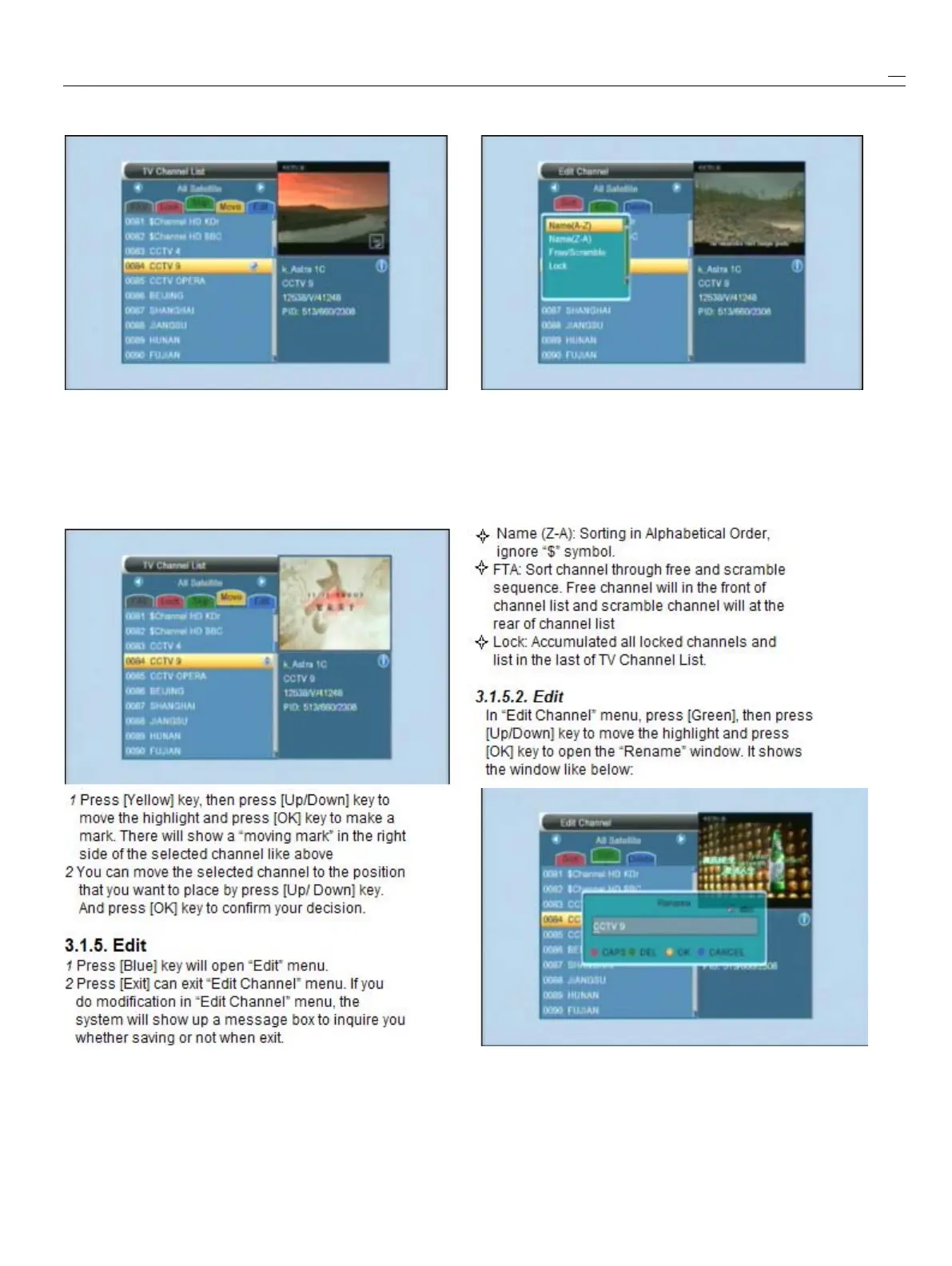
1
Press[Green]keycanenterskipmode.
1
Press[Red]keycanopenthe“Sort”windowlike
2
Press[Up/Down]keytomovethehighlightabove.Therearefourkindsofsortingways.You
andpress[OK]tomake
a
“skipmark”inthecanpress[ChannelUp/ChannelDown]keyto
rightsideofthehighlightedchannel.movehighlightandpress[OK]keytoconfirmyou
3
Aftersaveandexitmenu,thechannelwillbeselection
skipwhileuserchangechannelinthefullscreen.
2
Thefourkindsofsortingwayare:
Name(A-Z):SortinginAlphabeticalOrder,
3.1.4.
3.1.4.
3.1.4.
3.1.4.Move
Move
Move
Moveignore“$”symbol.



 To Next Page