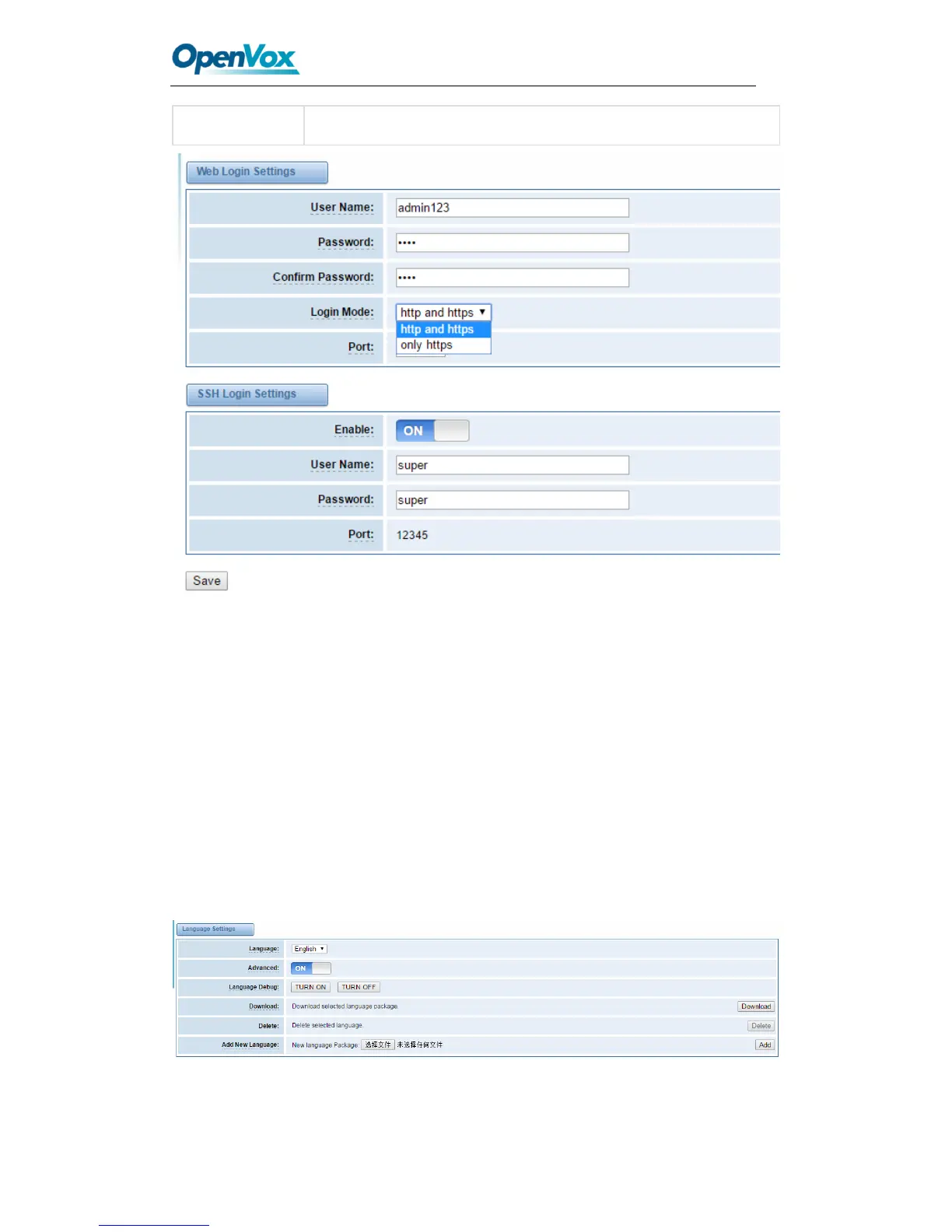
Figure 2-3 Login Settings
Notice: Whenever you do some changes, do not forget to save your configuration.
General
Language Settings
You can choose different languages for your system. If you want to change language,
you can switch “Advanced” on, then “Download” your current language package. After
that, you can modify the package with the language you need. Then upload your
modified packages, “Choose File” and “Add”.
Figure 2-4 Language Settings



 To Next Page