GSM/3G User Manual
18 | 82
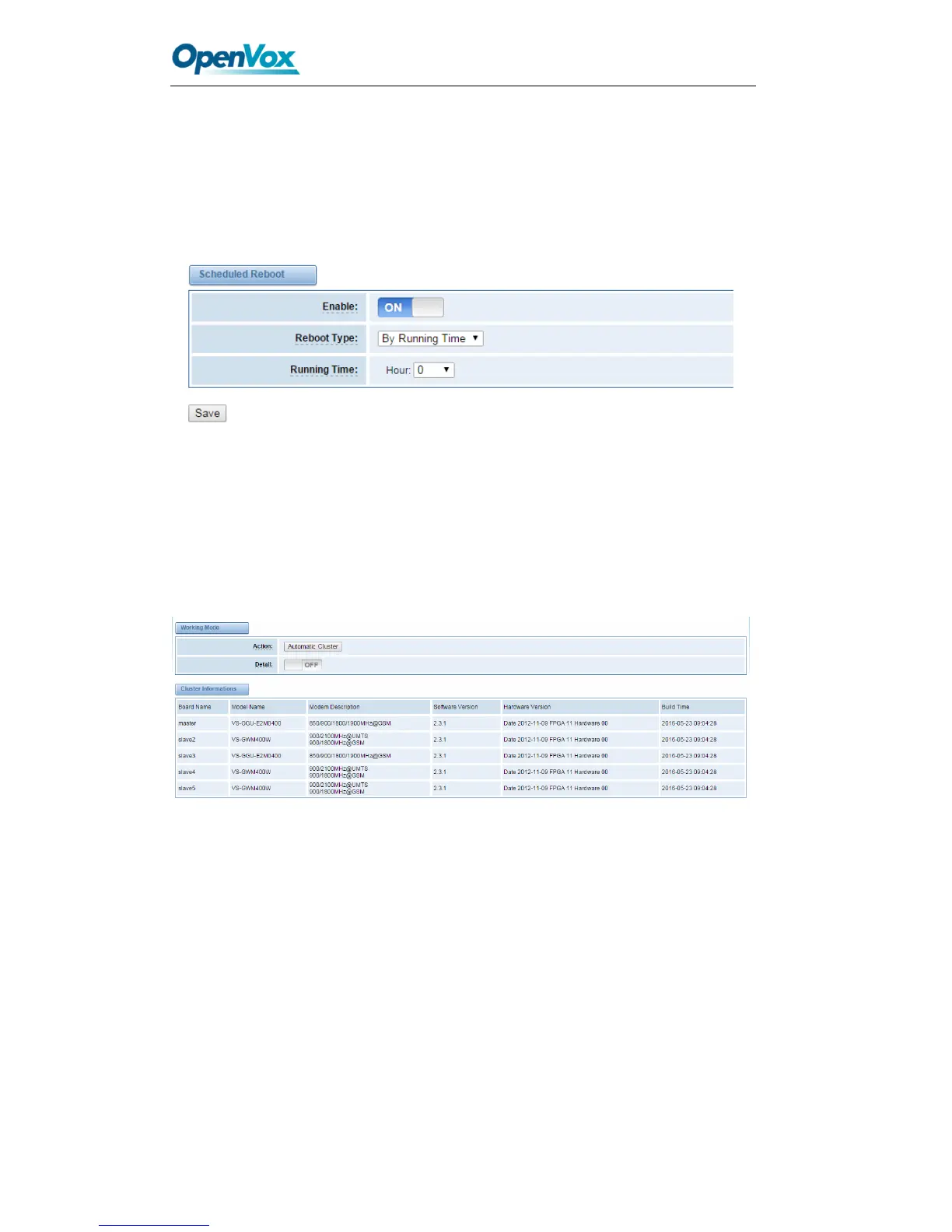
Scheduled Reboot
If switch it on, you can manage your gateway to reboot automatically as you like. There
are four reboot types for you to choose, “By Day, By Week, By Month and By Running
Time”.
Figure 2-5 Reboot Types
If use your system frequently, you can set this enable, it can helps system work more
efficient.
Cluster
Figure 2-6 cluster
Tools and Information
Reboot Tools
You can choose system reboot and asterisk reboot separately.



 To Next Page