Caller ID restriction, this function is used to hidden caller ID of
SIM card number. The gateway will add ‘#31#’ in front of mobile
number. This function must support by Operator.
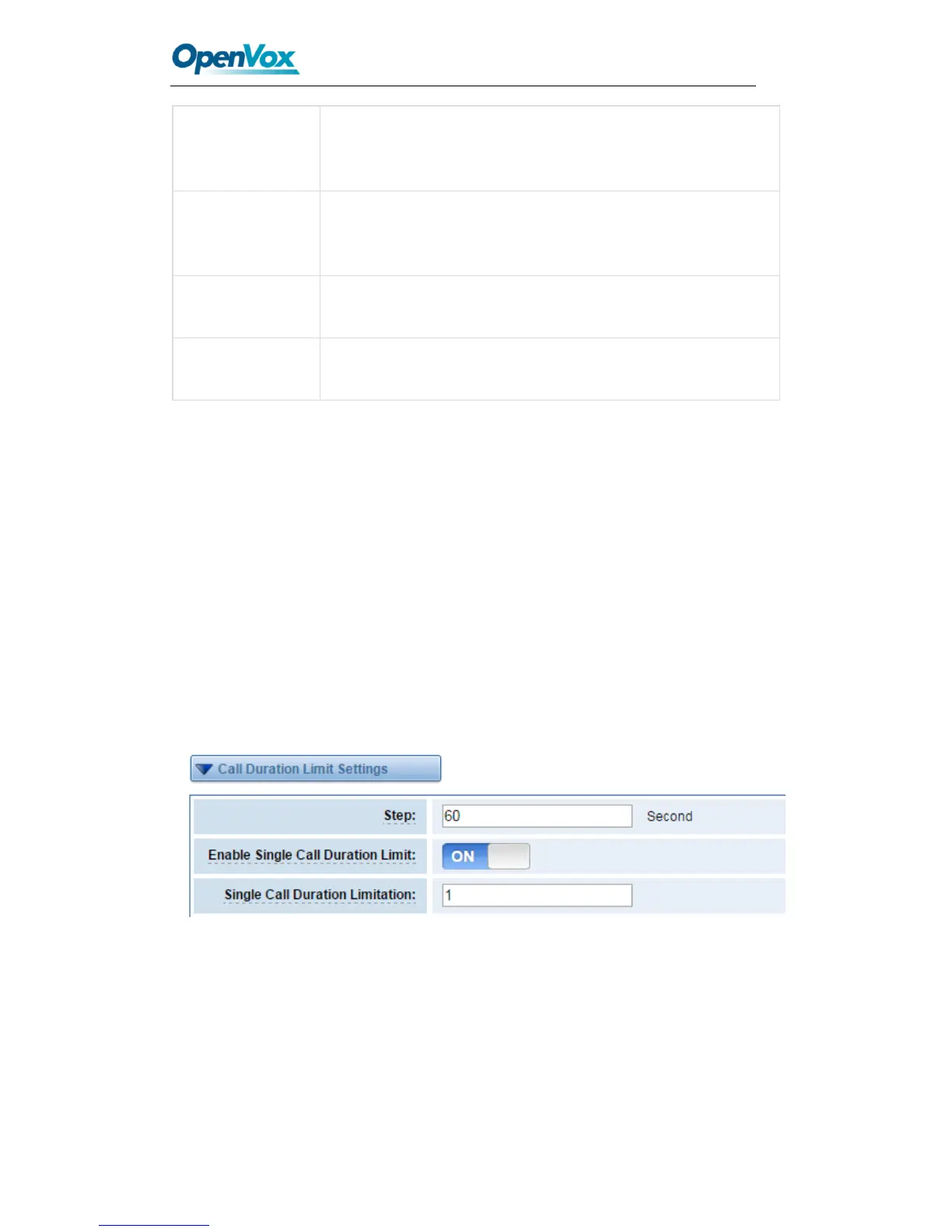
Call Duration Limit Settings
Now we can offer you two types of call duration limit, you can choose “Single Call
Duration Limit” or “Call Duration Limitation” to control your calling time
Single Call Duration Limit: This will limit the time of each call.
First you need to switch “Enable” on, then you can set “Step” and “Single Call Duration
Limitation” any digits you want. When you make a call by this port, it will limit your calling
time within the product of
Step * Single Call Duration Limitation
And if your calling time overtops the value above, the system will hang up this call.
Figure 3-11 Single Settings
Call Duration Limitation: This will limit your total calling time of this port. If remain time
is 0, it will not send calls through this port.



 To Next Page