GSM/3G User Manual
67 | 82
Table7-1 Definition of LAN Settings
The name of network interface.
The method to get IP. Factory: Getting IP address by Slot
Number (System information to check slot
number). Static: manually set up your gateway
IP. DHCP: automatically get IP from your local LAN.
Physical address of your network interface.
The IP address of your gateway.
The subnet mask of your gateway.
Default getaway IP address.
Basically this info is from your local network service provider, and you can fill in four DNS
servers.
DNS Servers: A list of DNS IP address. Basically this info is from your local network
service provider.
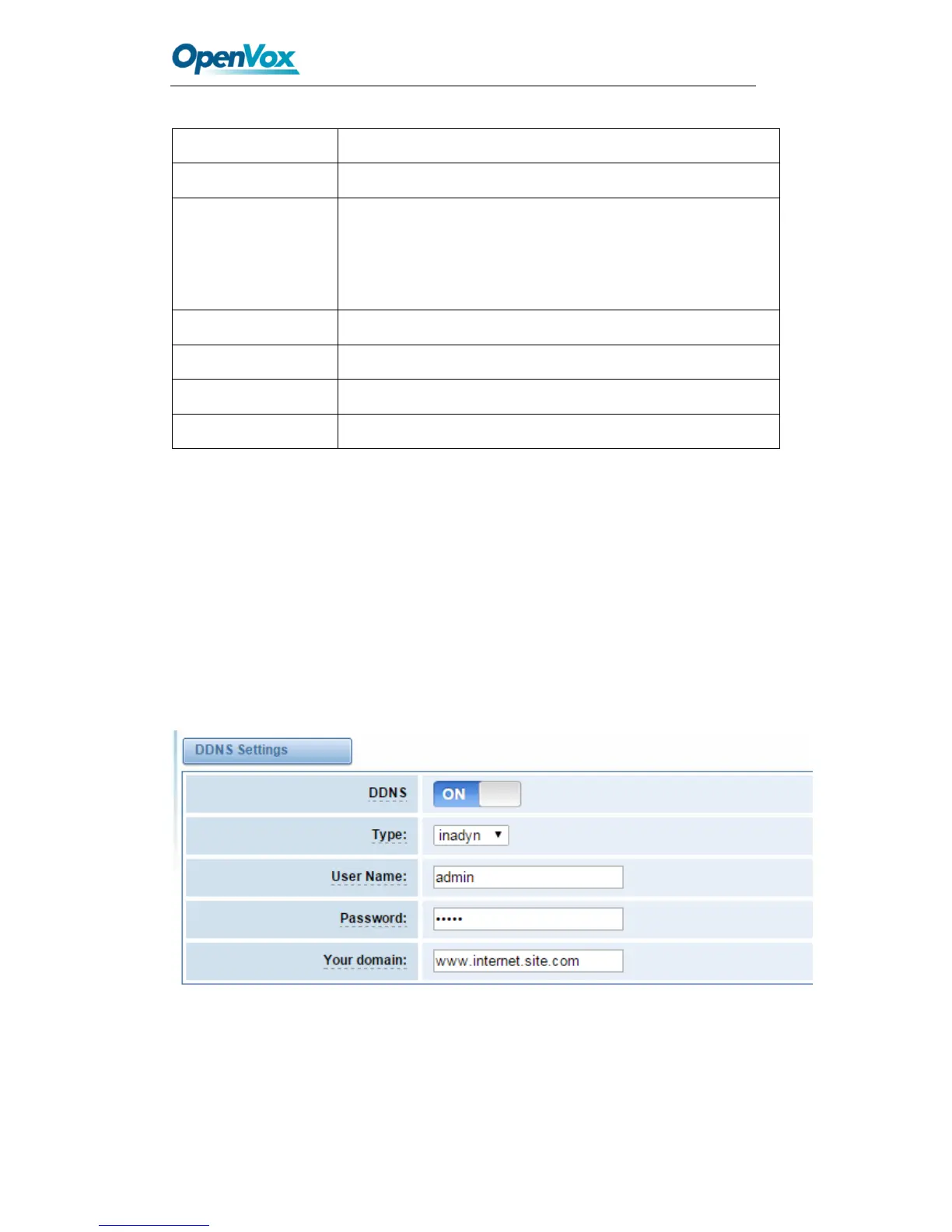
DDNS Settings
You can enable or disable DDNS (dynamic domain name server).
Figure 7-2 DDNS Settings



 To Next Page