GSM/3G User Manual
77 | 82
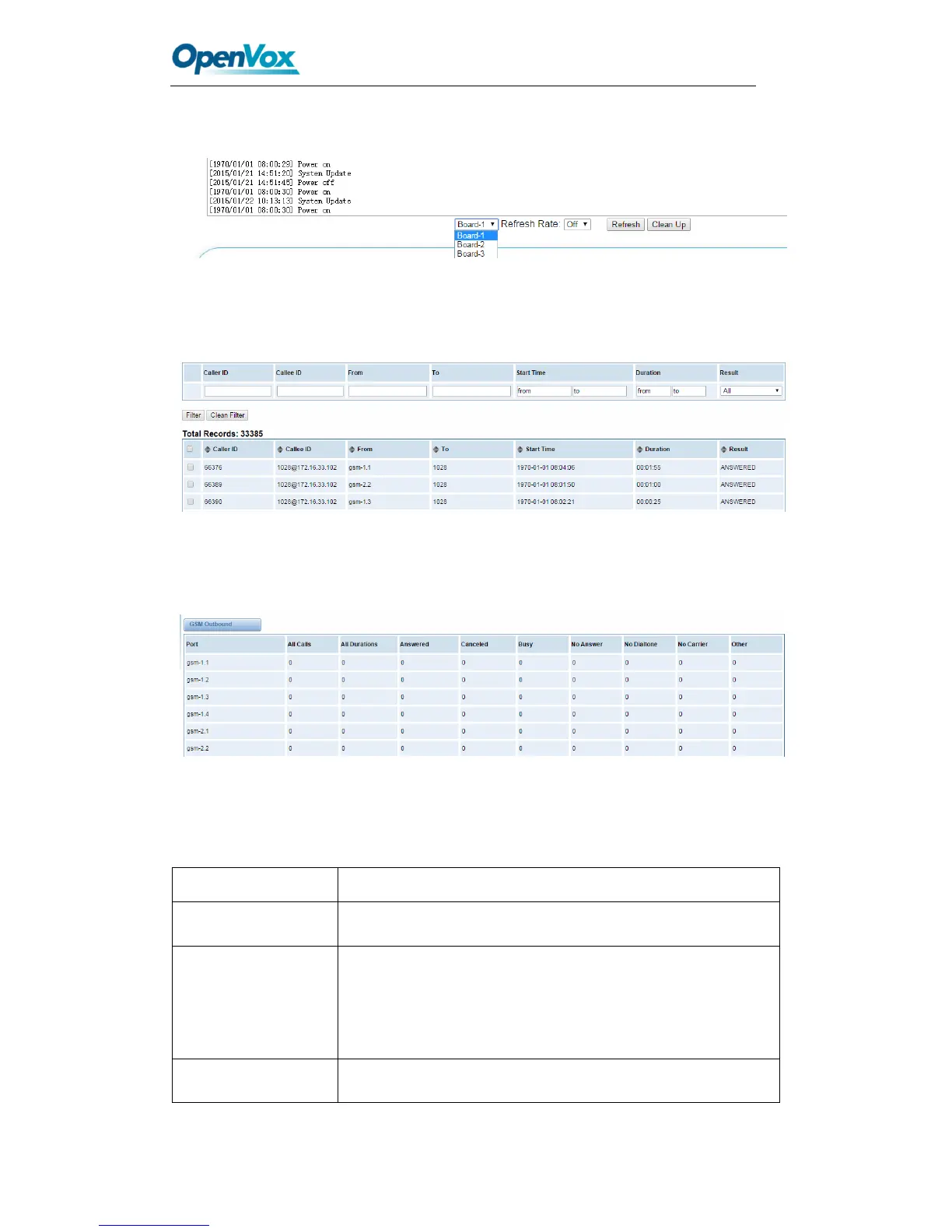
You can choose one specific board to see it related logs.
Figure 9-3 Choose One Board
You can scan your CDR easily on web GUI, and also you can delete, clean up or export
your CDR information.
Figure 9-4 CDR Output
Recently we have made our LOGS display richer, you can see your GSM Outbound of
every port clearly.
Figure 9-5 Time Patterns that will use this Route
Table9-1 definition of Logs
switch on : when the size of log file reaches the max size, the
system will cut a half of the file. New logs will
be retained; switch off : logs will remain, and the file size
will increase gradually. default on, maxsize=1M.



 To Next Page