34 Operating the System
AS7200 User Manual - OPEX Corporation
however when scanning certain larger and/or color-intensive
documents you may notice this changing of the snippets.
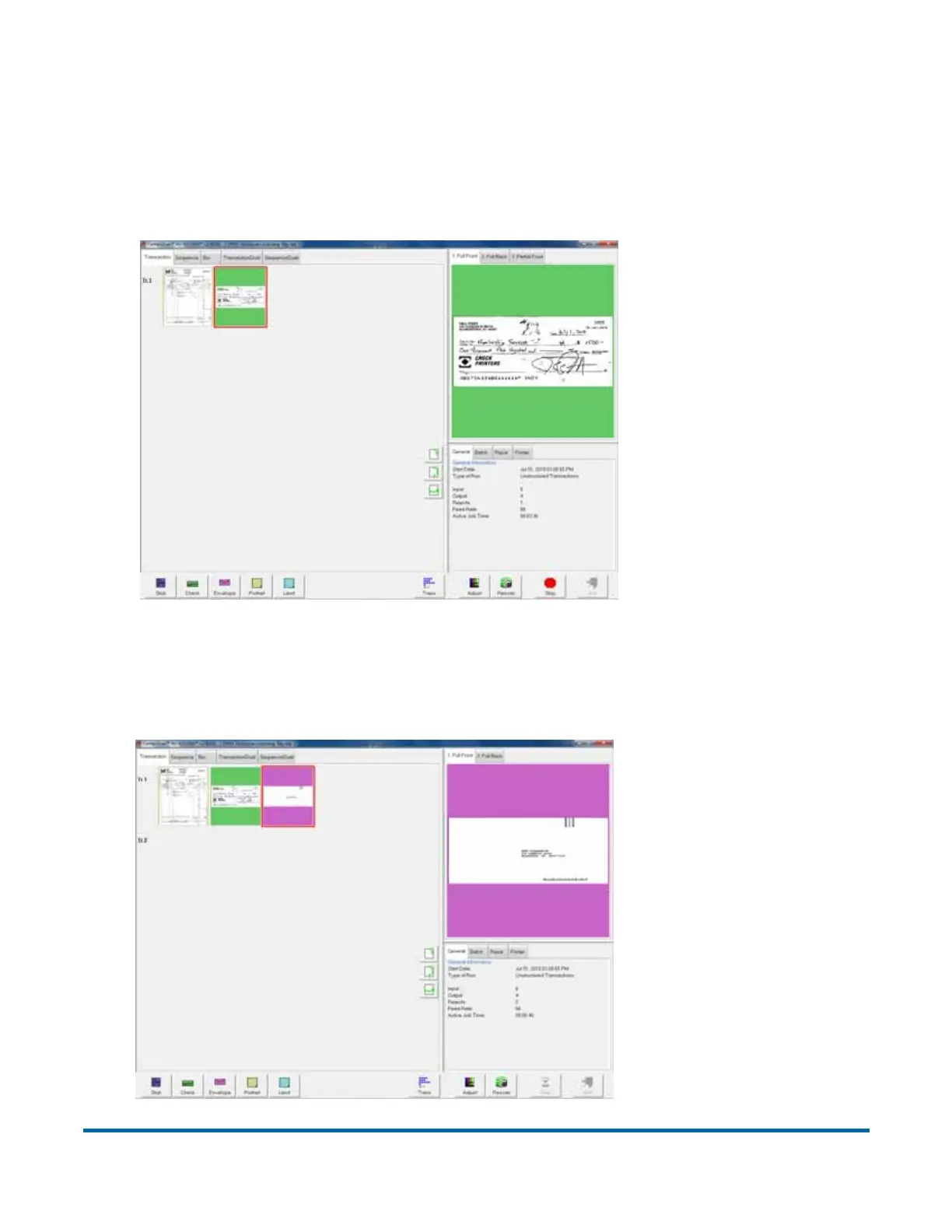
3 Place the next document you want to scan onto the conveyor. In this
example, the document is a check. The system recognizes the check by the
presence of a MICR line at the bottom.
4 Place an envelope onto the conveyor. The system will recognize the
document as an envelope. In this example, an envelope is set up as the
transaction boundary and ends the current transaction.



 To Next Page