58 Operational Maintenance
AS7200 User Manual - OPEX Corporation
Conveyor and transport assemblies
1 Stop all jobs and ensure that all motors are stopped.
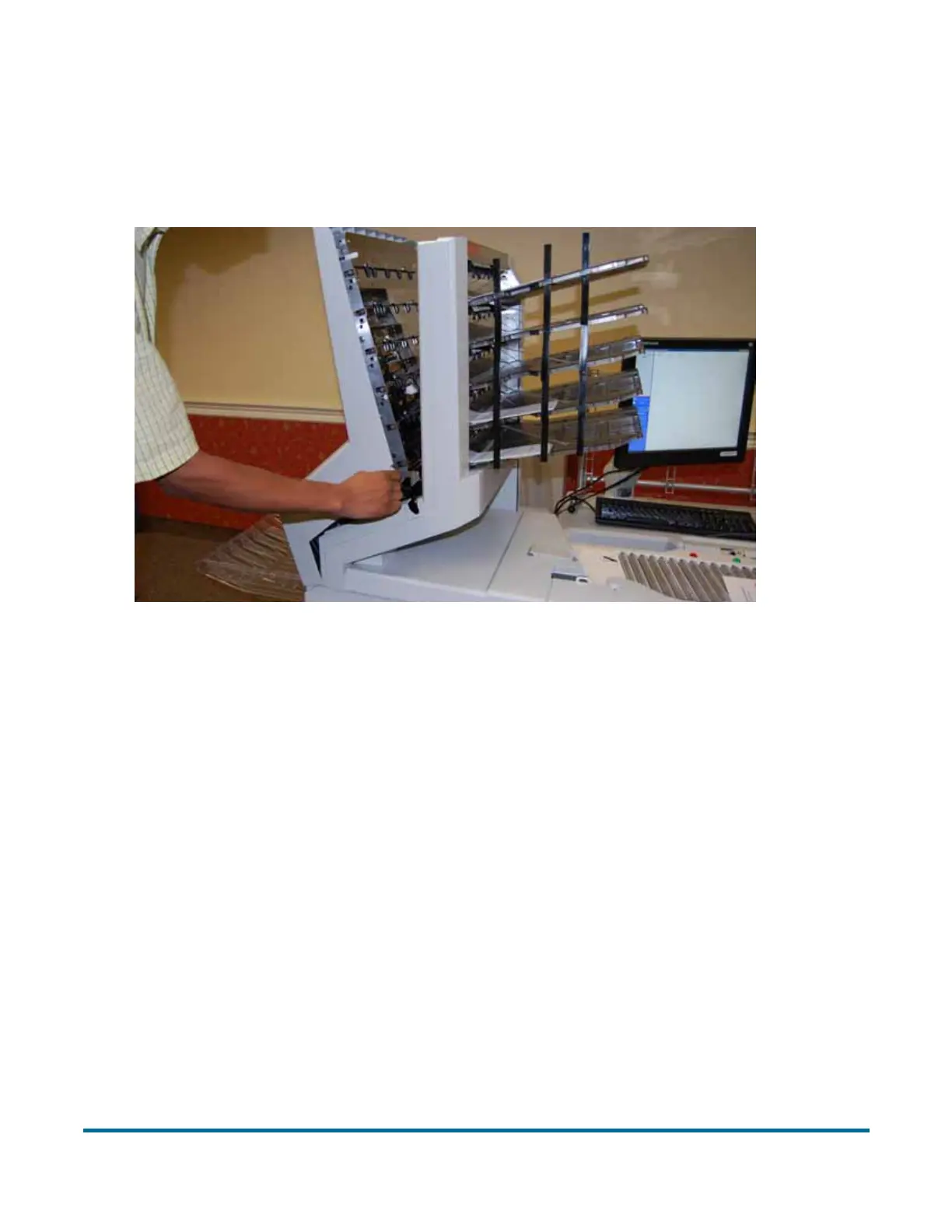
2 Check the transport area once a shift. Open the transport door (Figure 23)
and clear the area of paper debris, dust, envelope flaps, etc.
Figure 23: Transport area and stacker bins
3 Vacuum dust and debris from the stacker bins.
4 Vacuum dust and debris from the conveyor rollers.



 To Next Page