Operating the System 43
AS7200 User Manual - OPEX Corporation
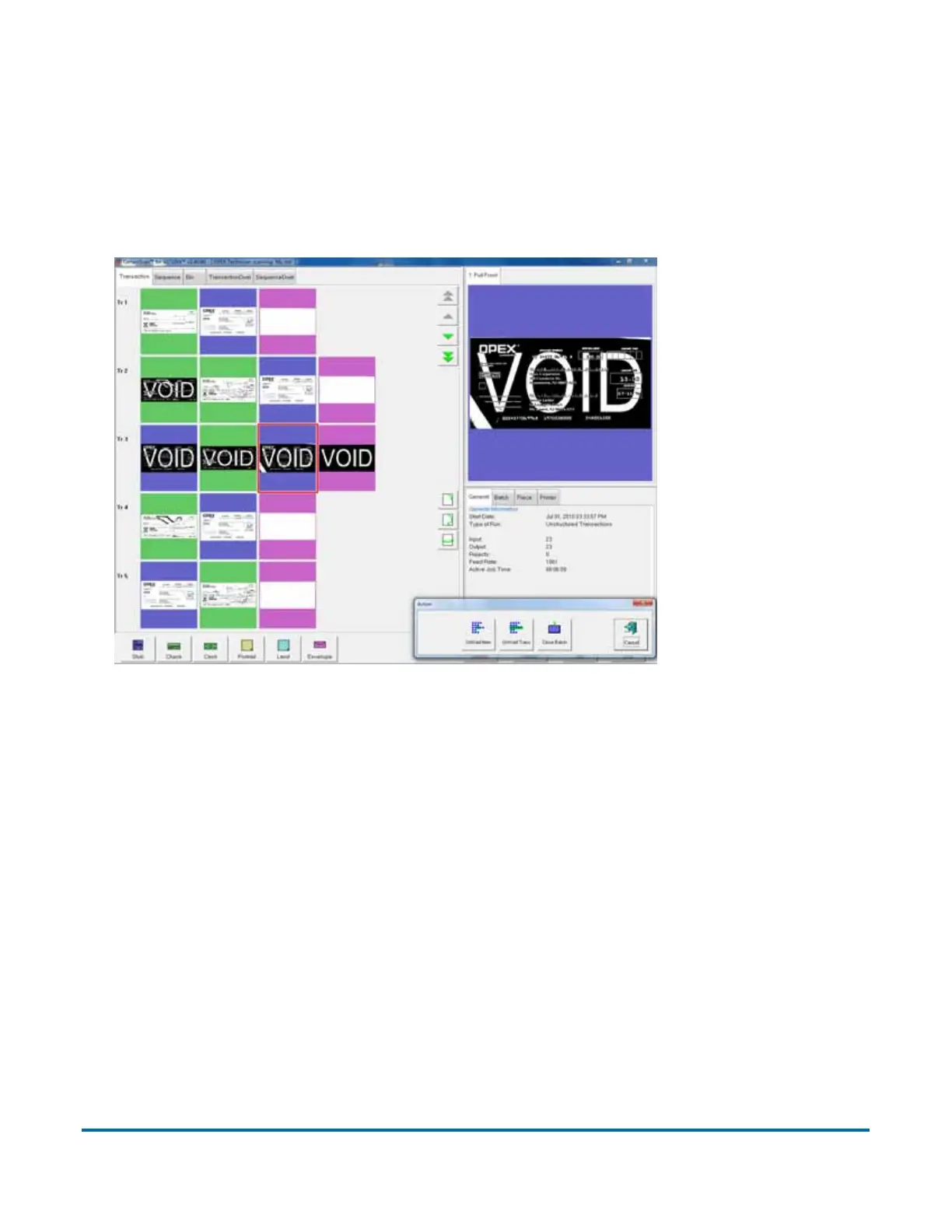
To mark a document as void, highlight the document’s thumbnail and press
V
OID ITEM to void only the selected document, or VOID TRANSACTION to void the
selected document and all other documents that are part of the transaction.
The VOID stamp will appear over the image and the document will be
designated as void in the batch file. Press U
NVOID ITEM to remove the VOID
stamp.
Figure 15: Voiding documents
Starting a new batch
There are three ways to start a new batch:
• Press the N
EW BATCH button while the job is running to begin a new batch
with the next scanned document.
• Press the C
LOSE BATCH button, then scan the new batch ticket or the first
document of the new batch.
• Scan a batch ticket. If the New Batch Mode parameter is set to Auto,
scanning a batch ticket will start a new batch.
Note: The N
EW BATCH button will only be available if activated for the current
job.



 To Next Page