Operating the System 51
AS7200 User Manual - OPEX Corporation
Transport area
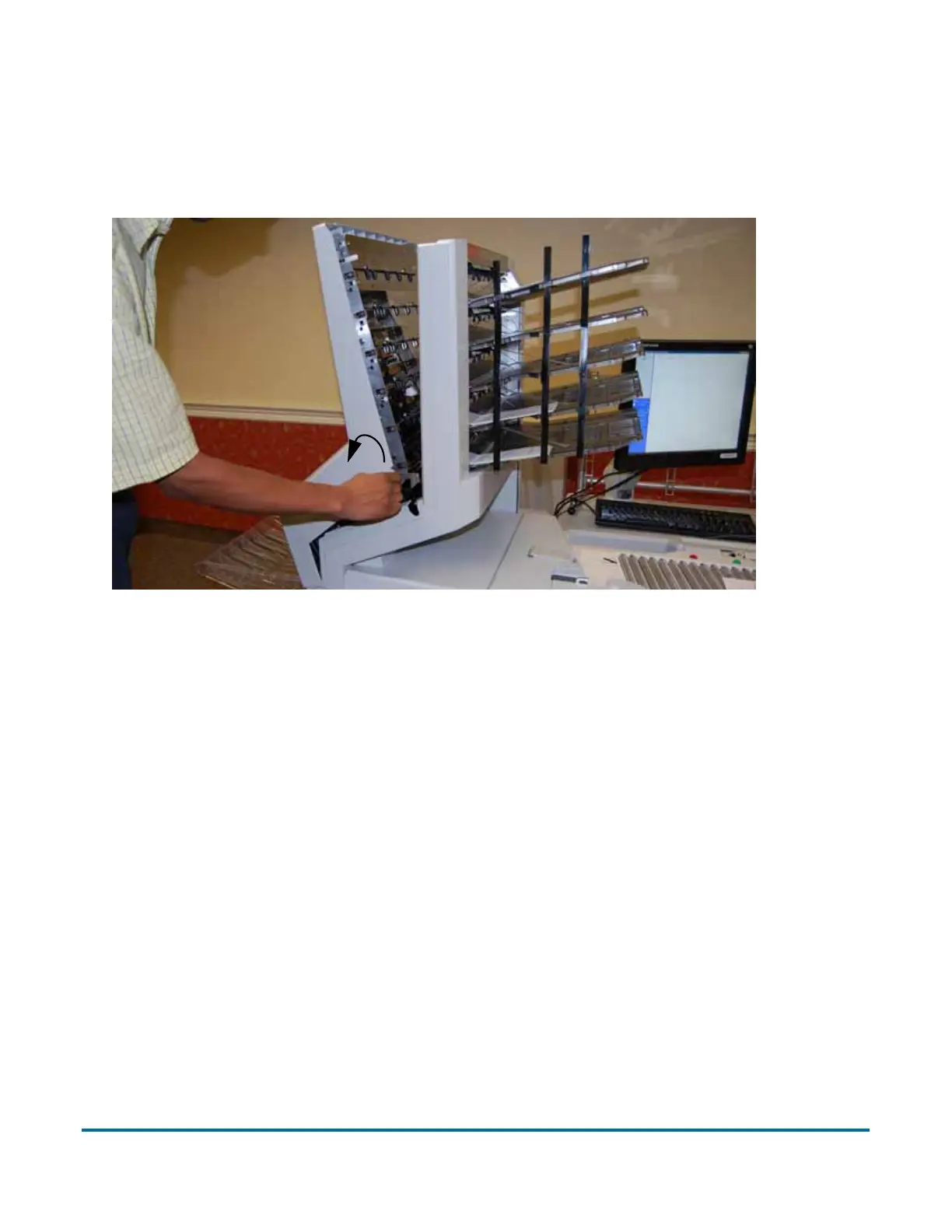
To access the transport area, turn the latch counter-clockwise and pull the
transport door away from the scanner. Clear any paper or debris that is caught
in the transport area.
Figure 21: Opening the stacker transport cover
To close the stacker transport cover, hold onto the latch and gently pull the
cover closed. When the cover reaches the closed position, rotate the latch
clockwise until you hear the lock snap into place.



 To Next Page