54 Operational Maintenance
AS7200 User Manual - OPEX Corporation
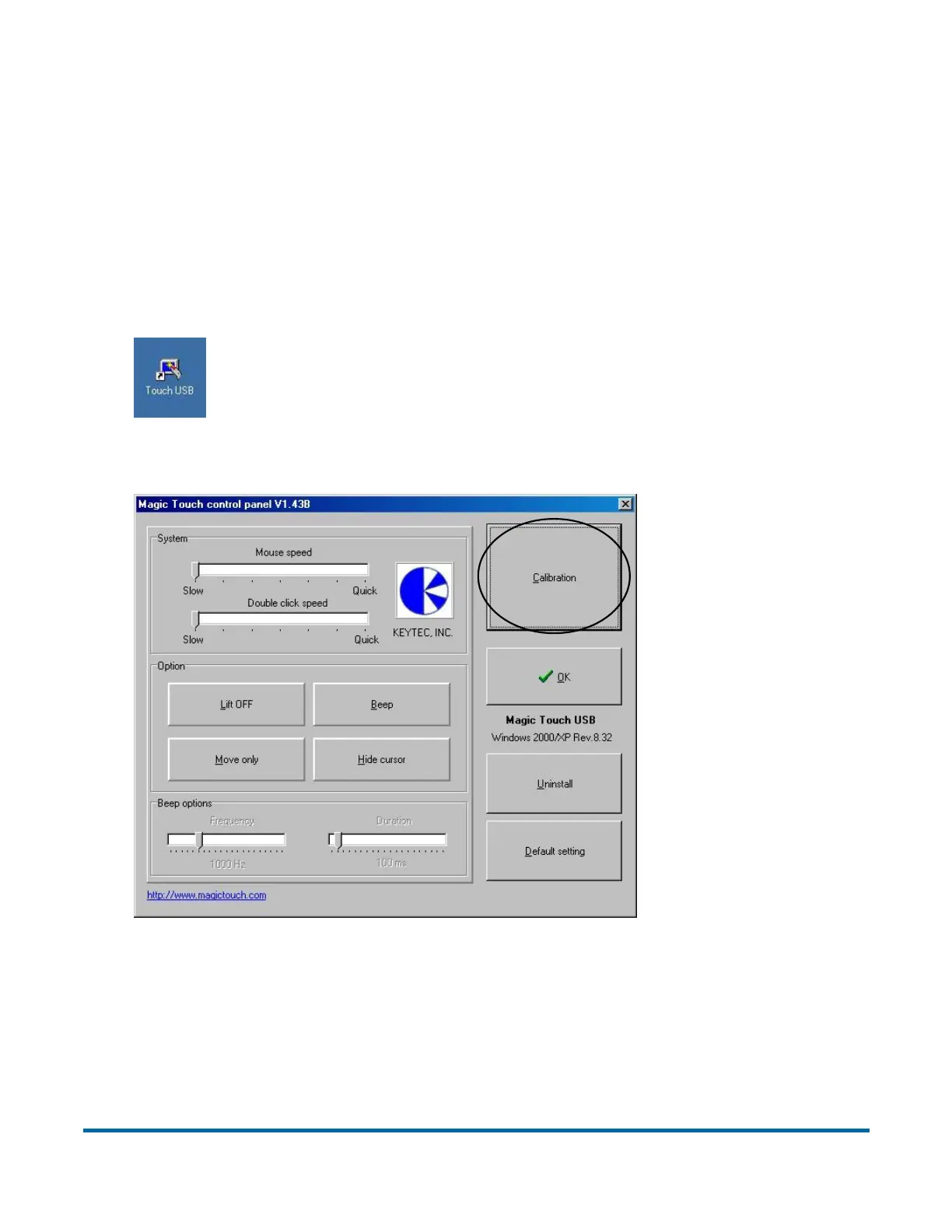
Calibrating the Touchscreen Monitor
The monitor is calibrated for its touch sensitivity before it leaves OPEX.
However, you may need to recalibrate, especially if it is in use for an extended
period of time.
To calibrate the monitor:
1 From the Windows desktop, double-click on the touch screen icon to open
the monitor control panel.
2 Select CALIBRATION.



 To Next Page