44 Operating the System
AS7200 User Manual - OPEX Corporation
Ending the job
When you have finished scanning documents, press STOP to put the system in
standby mode. From standby mode, you can restart the job, D
ELETE the last
scanned document, view thumbnails, or E
XIT the job and return to the Scan
screen.
Note: You can also press the C
LOSE BATCH button to close the current batch and
exit the job when prompted.
Viewing/editing the batch
Use the Batch Editor to:
• Display previous document images (by batch)
• Delete images from prior batches
• Void/un-void documents from prior batches
• Assign page sub-types
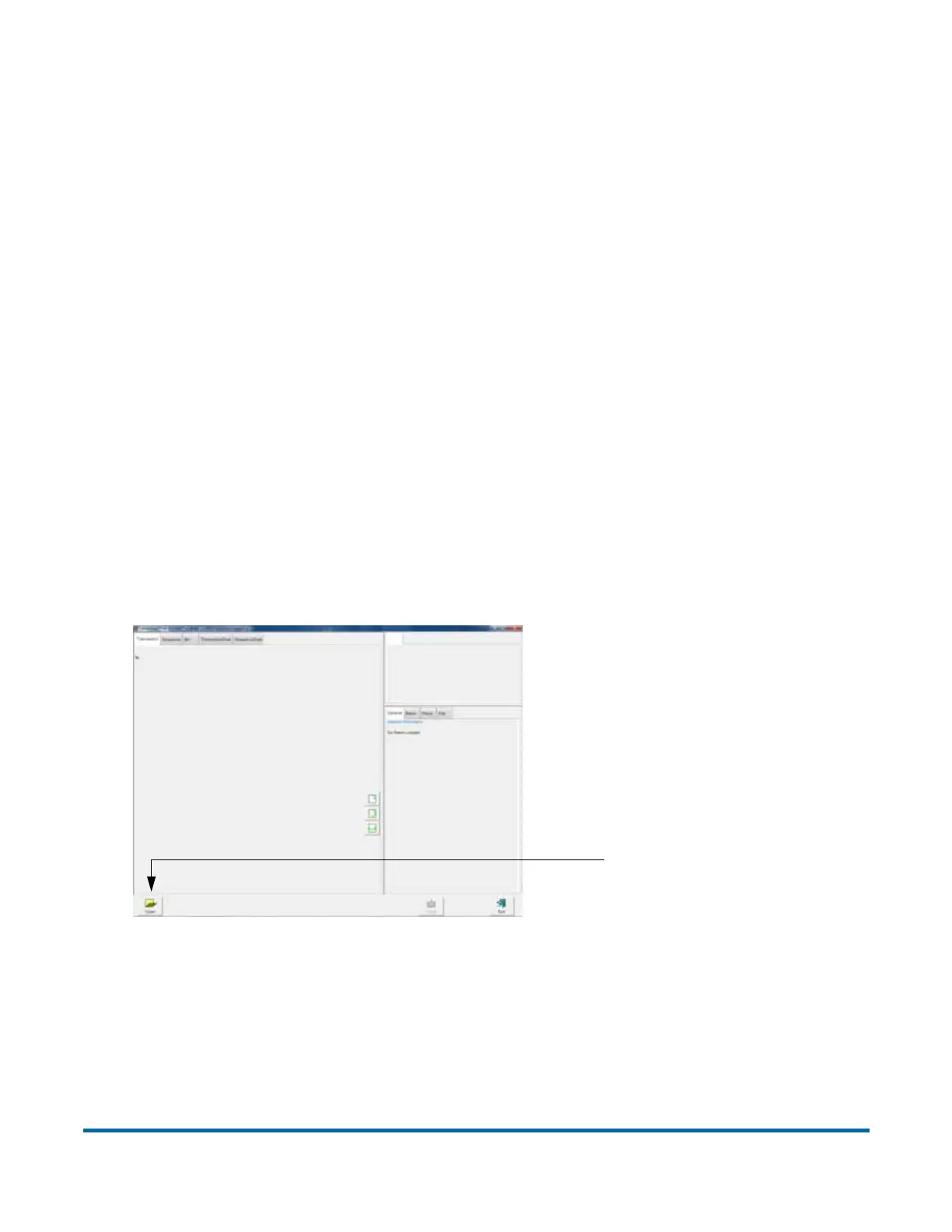
To access the Batch Editor:
1 Select M
AIN in the menu bar and BATCH EDITOR in the options bar.
Figure 16: Batch Editor
2 Click the O
PEN button.
3 Navigate to the directory on your network where your batches are saved
(see your AS7200 Administrator). The batches are saved in folders by their
Open Batch



 To Next Page