Operating the System 45
AS7200 User Manual - OPEX Corporation
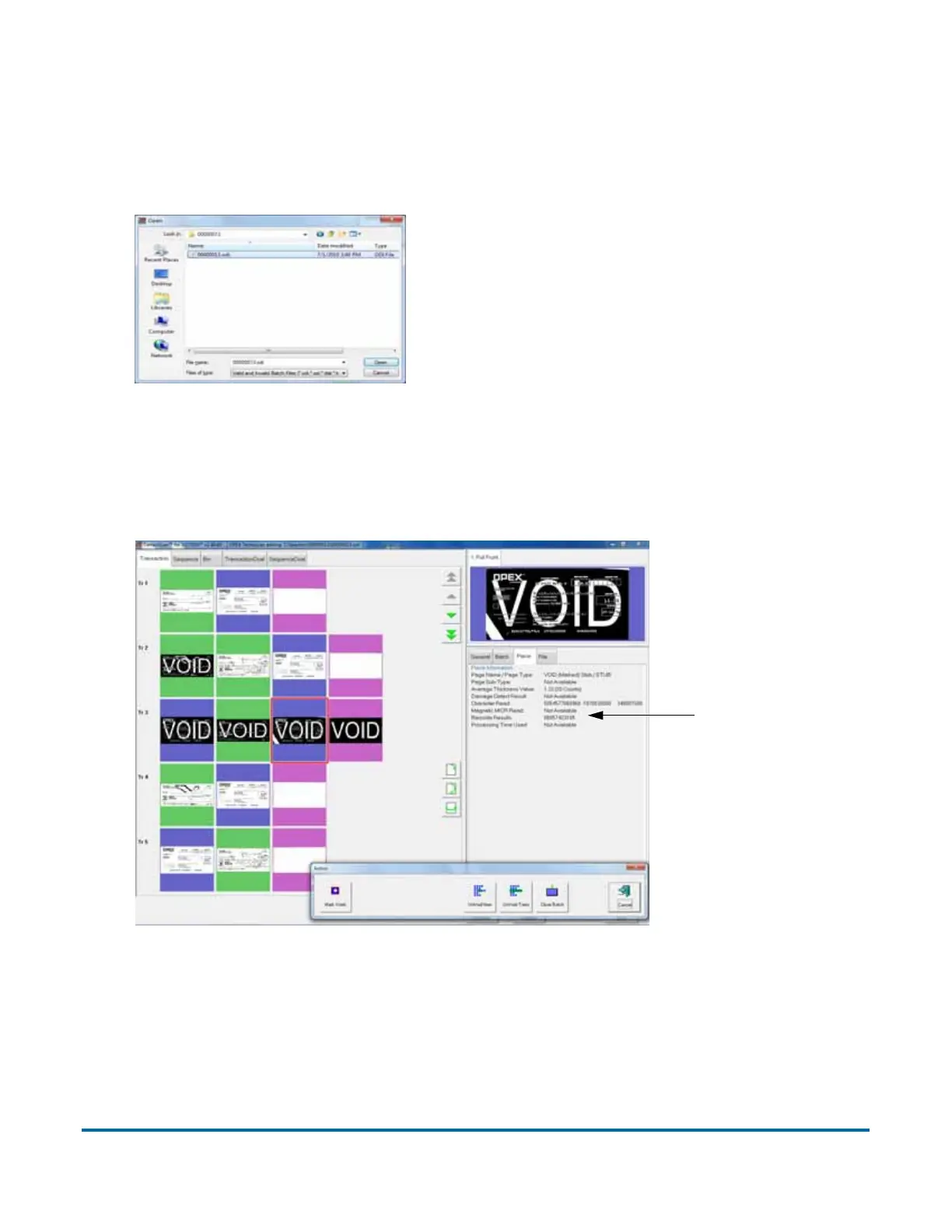
batch number. Open the folder for the batch you want to view and
double-click on the .odi, .oxi, or .dat file to view the batch.
Note: If you do not know the batch number you are looking for, try to use the
date the batch’s folder was last modified for reference.
Figure 17: Opening the batch
4 View, delete, and void the document thumbnails in the same way as in the
Run screen (see “Using the Run screen” on page 22).
Figure 18: Viewing the batch
When voiding documents and transactions in the Batch Editor, check the
M
ARK VOIDS button (shown in Figure 18) to mark the images in the resulting
batch file as void.
Piece
information



 To Next Page