Operational Maintenance 55
AS7200 User Manual - OPEX Corporation
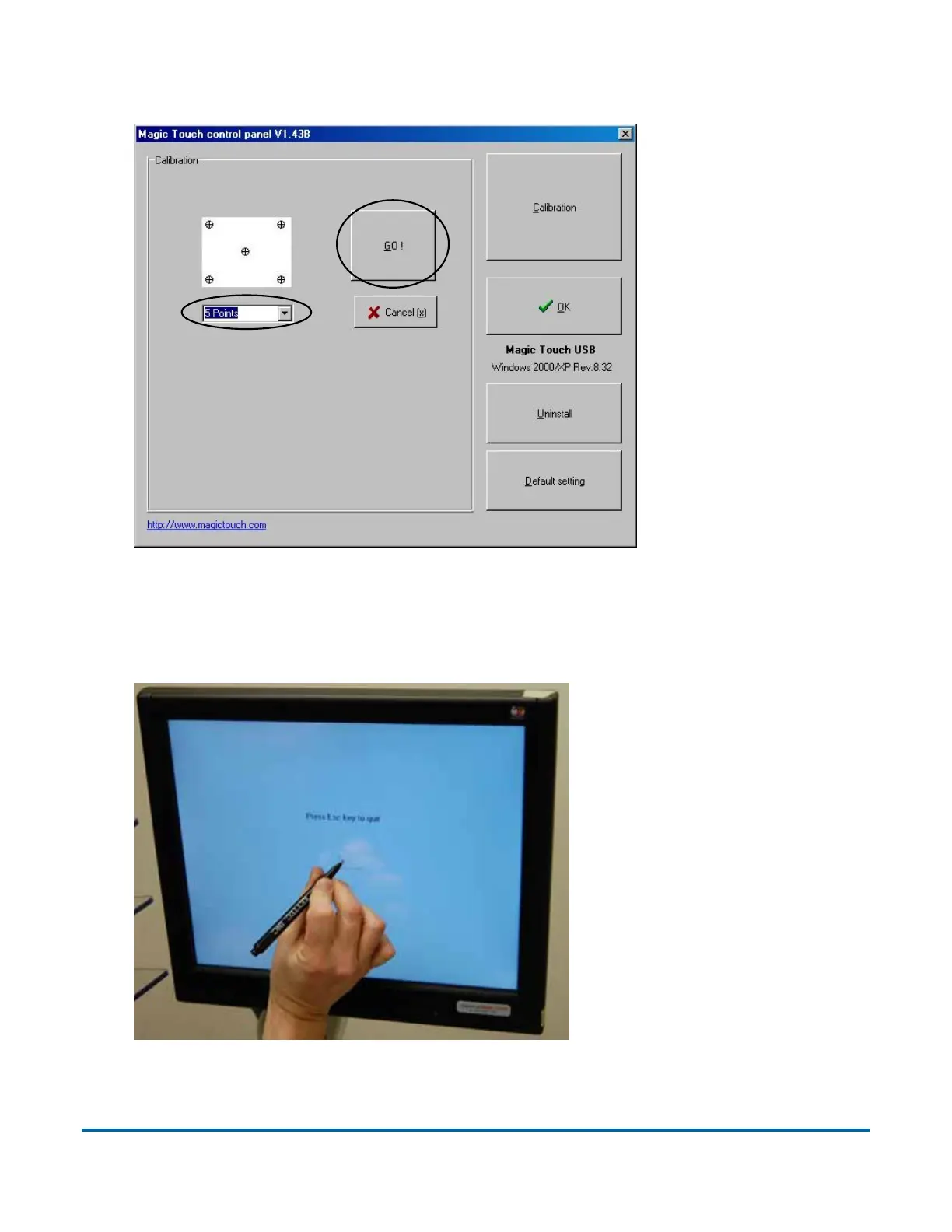
3 In the calibration screen, make sure 5 POINTS is selected, then click GO!
4 Follow the calibration procedure as instructed, using the stylus provided. To
ensure proper calibration, make sure to hold the stylus on each center point
for at least one full second. Please do not use fingers, pens, pencils, etc.
5 When calibration is complete, log in to CertainScan and test the
touchscreen controls to ensure they are working properly.



 To Next Page