Operational Maintenance 61
AS7200 User Manual - OPEX Corporation
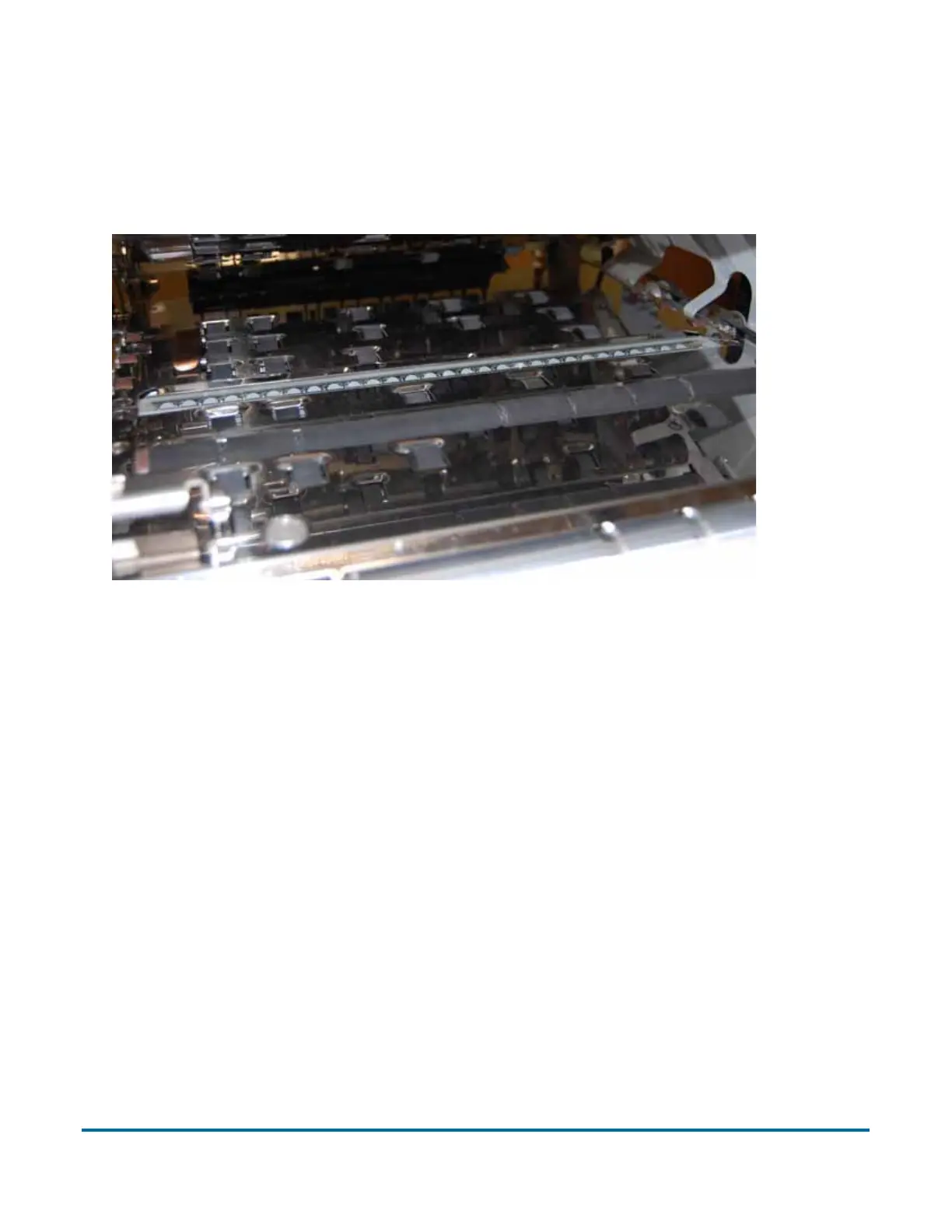
The contact image sensors are located underneath the scanner cover. Apply
Windex
®
(the recommended glass cleaner) to a lint-free rag and wipe the
imager glass top (front camera) and bottom (back camera). The top camera
(not viewable in this picture) is on the underside of the cover directly above the
bottom camera.



 To Next Page