Maintenance
- 28 -
optek-Manual--1004-2003-02--AF45-US-2011-01-04
www.optek.com
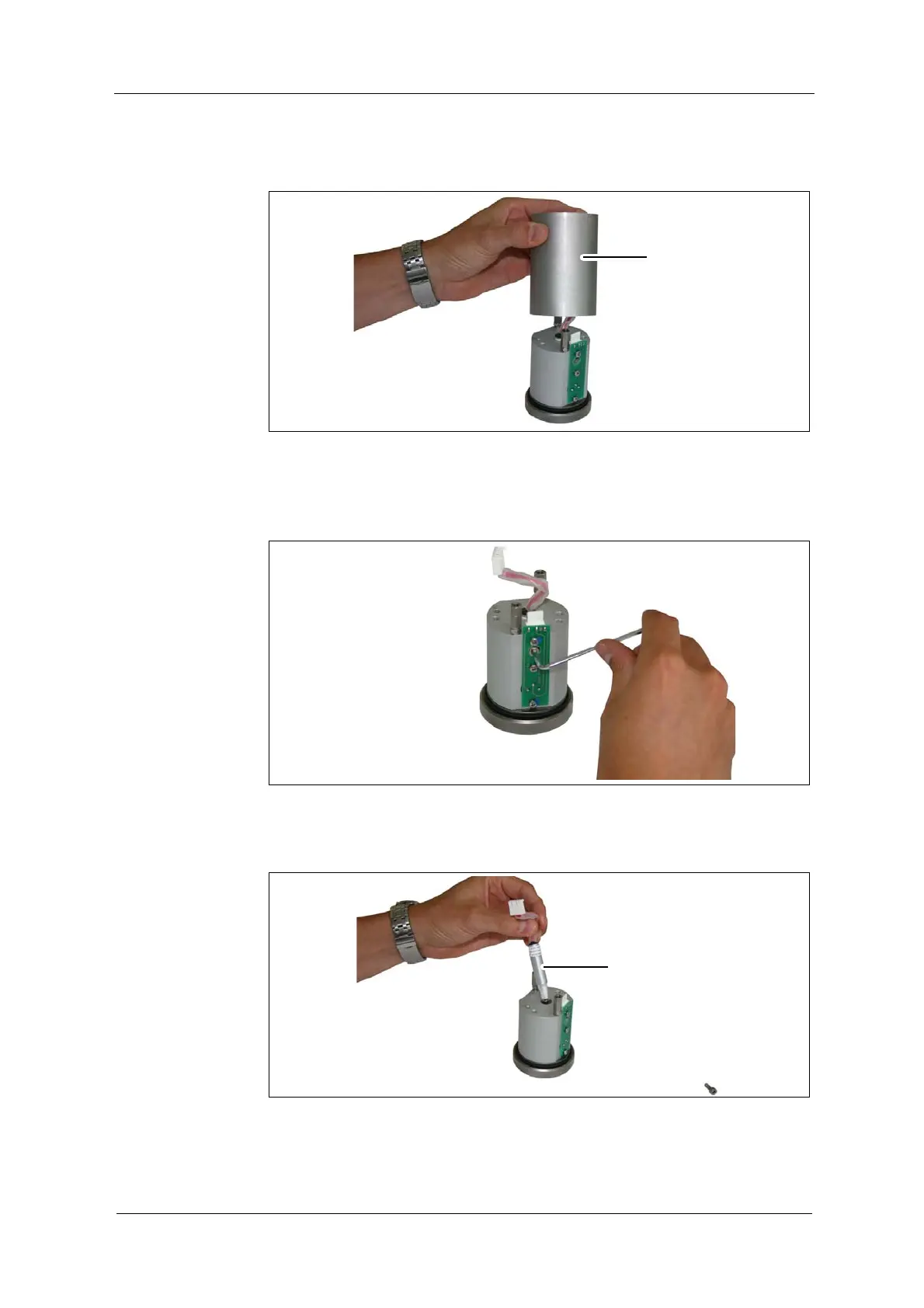
7. Loosen the optical housing OH2 (7, fig. 20) with a slight turn and remove it.
Fig. 20 Optical housing OH2
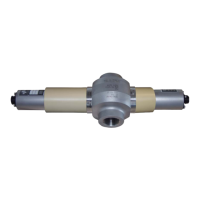
8. Loosen the hexagon socket head cap screw through the drill hole in the
green board.
Fig. 21 Hexagon socket head cap screw of lamp module
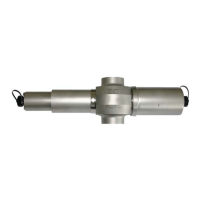
9. Pull out the lamp module (6, fig. 22).
Fig. 22 Pulling out the lamp module


 To Next Page