26
English
User Controls
Screen
Single : Projection single screen.
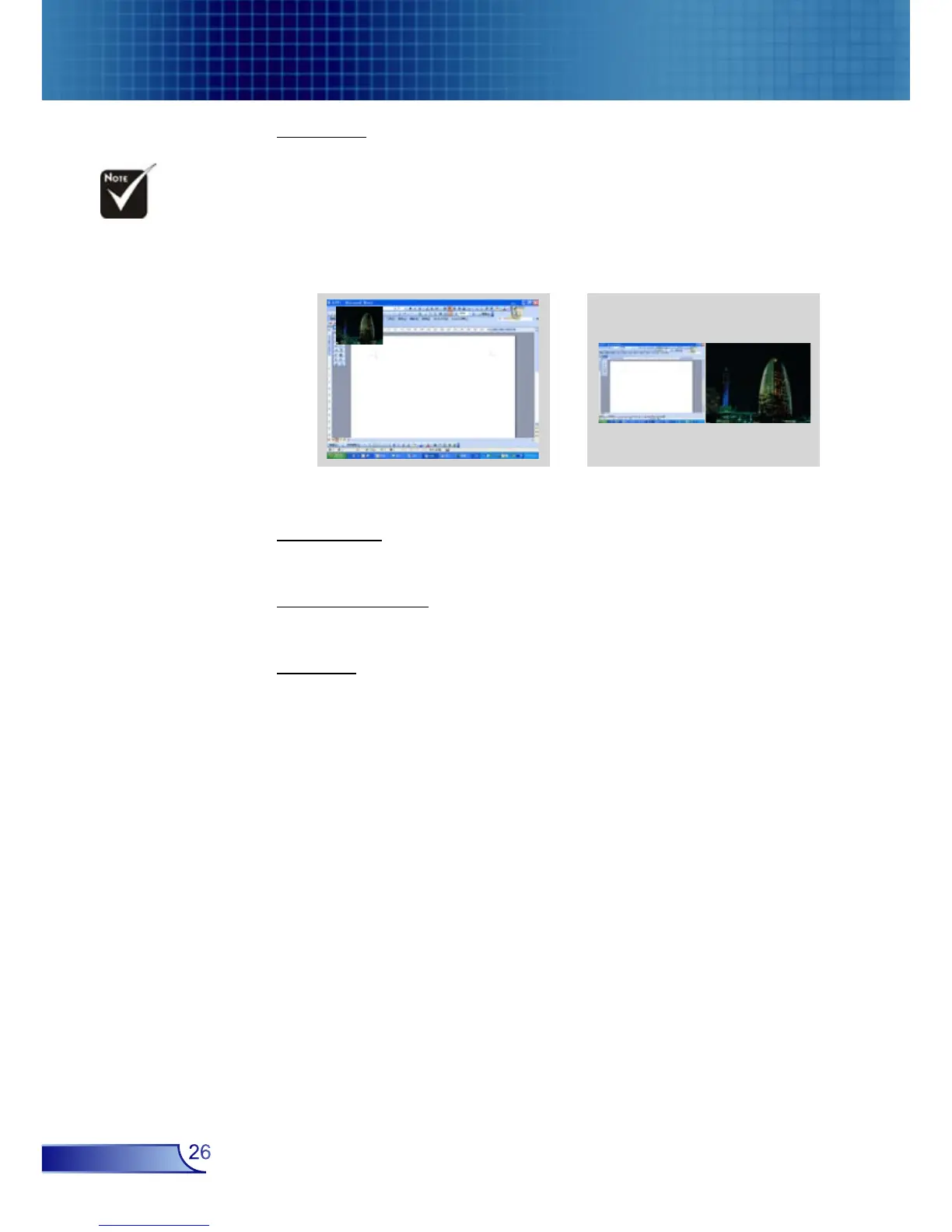
PIP Window : Main Screen is large screen; PIP Screen is small
and displays in the corner of the main screen.
Split Screen : Main Screen and PIP Screen equal size and side by
size.
PIP Size
Choose the PIP screen size.
PIP Location
Choose the PIP screen position on the display screen.
Swap
Press “Enter” to swap main screen and PIP screen.
Split ScreenPIP Window
To use PIP or Split
Screen function, one
source must be connect-
ed to the DVI (Digital)
input.



 To Next Page