Delta Elec. Inc. ES522 & EX532
Company Confidential Optoma ______________________ Delta____________
18
2009/06/30
3. TROUBLE SHOOTING
By checking operations during normal usage time, it is possible to carry out judgments on malfunction
to a certain extent. Carry out the following checks before disassembling the equipment.
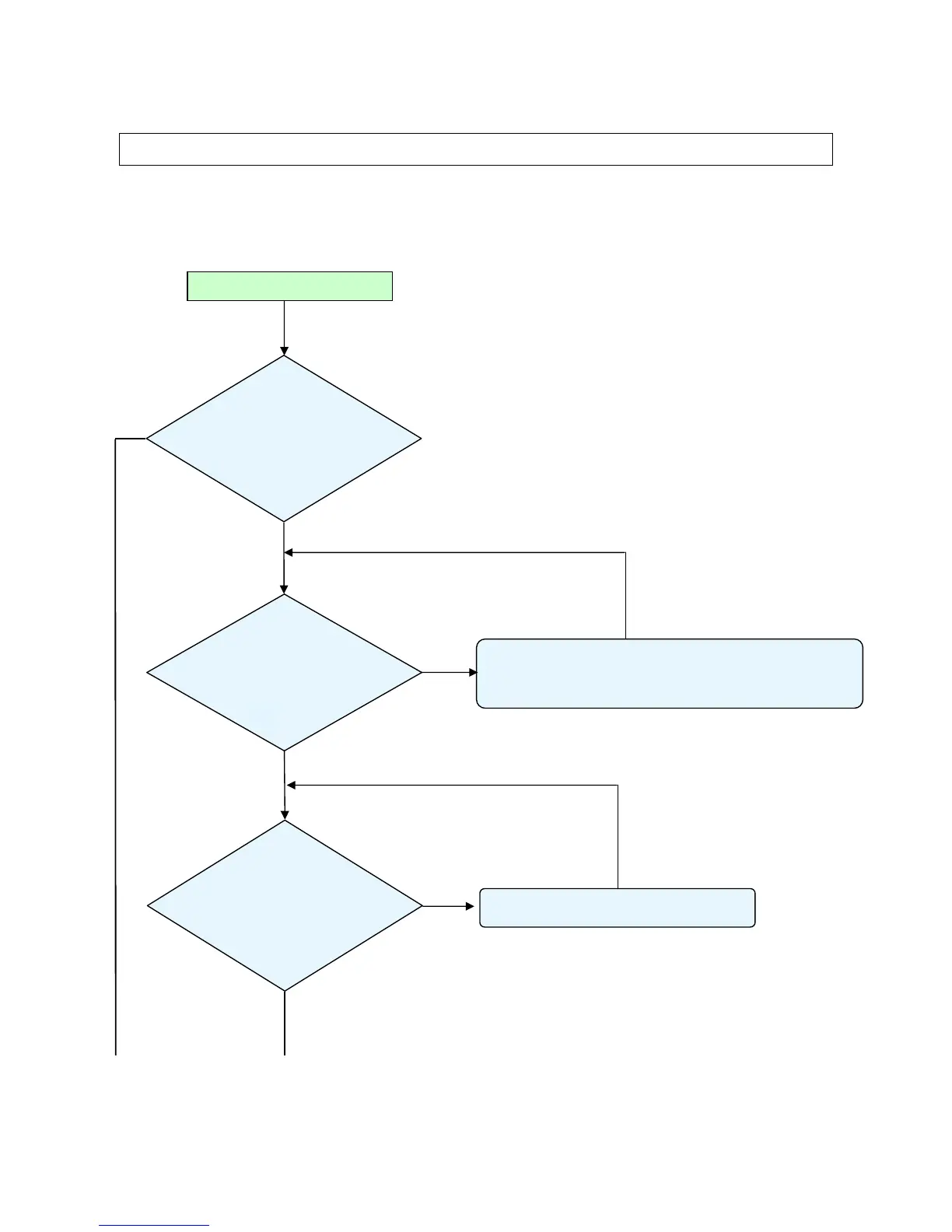
Connect the power cord
• Power Supply Unit malfunction
• Check the connection of Power Supply (Power BD CN201 to MB P301)
• Check keypad connection
• Check voltage (12v, 5v, 3.3v, 1.8v,…etc) on Main Board.
< Stand-by >
Power: Flashing Green
Light
Temp : OFF
Lamp : OFF
Yes
< System error >
Power: Flashing Green
Light 4
Temp: OFF
Lamp: Flashing Red
Light 4
• Thermal break sensor is open.
• Connector (P803) on Main Board disconnected.
< Power supply error >
Power: OFF
Temp: OFF
Lamp: OFF
Yes
Yes
No
No



 To Next Page