Delta Elec. Inc. ES522 & EX532
Company Confidential Optoma___________________ Delta________________
83
2009/06/30
5-6.
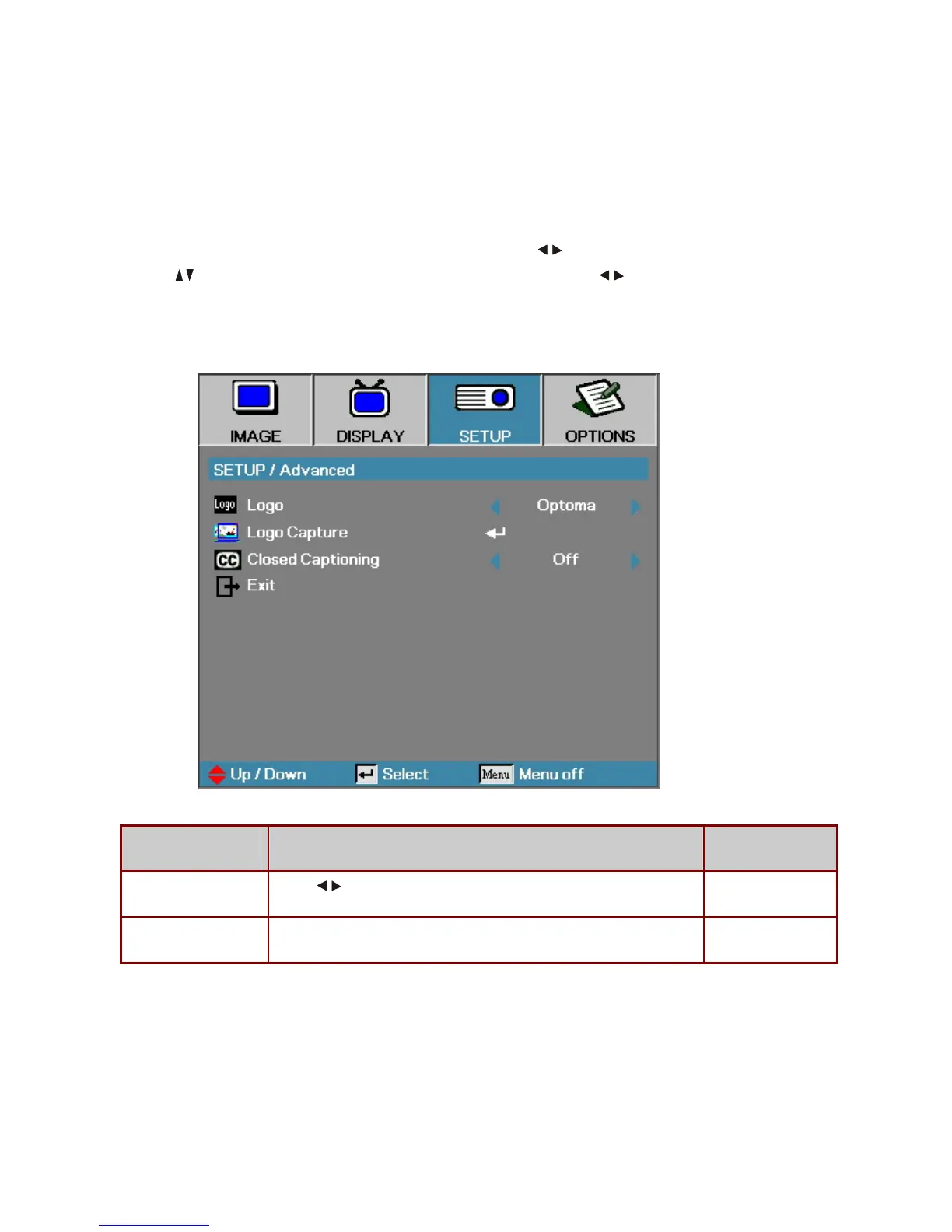
SETUP / Advanced
Press the Menu button to open the OSD menu. Press
to move to the SETUP menu.
Press
to move up and down and select Advanced. Press to change values for
settings, and then press Enter to confirm the new setting.
ITEM DESCRIPTION DEFAULT
Logo
Press
to select the desired startup screen.
Optoma
Logo Capture
Capture the current display image as the user’s logo with Logo Capture.
-



 To Next Page