Delta Elec. Inc. ES522 & EX532
Company Confidential Optoma___________________ Delta________________
86
2009/06/30
5-9.
OPTIONS / Advanced
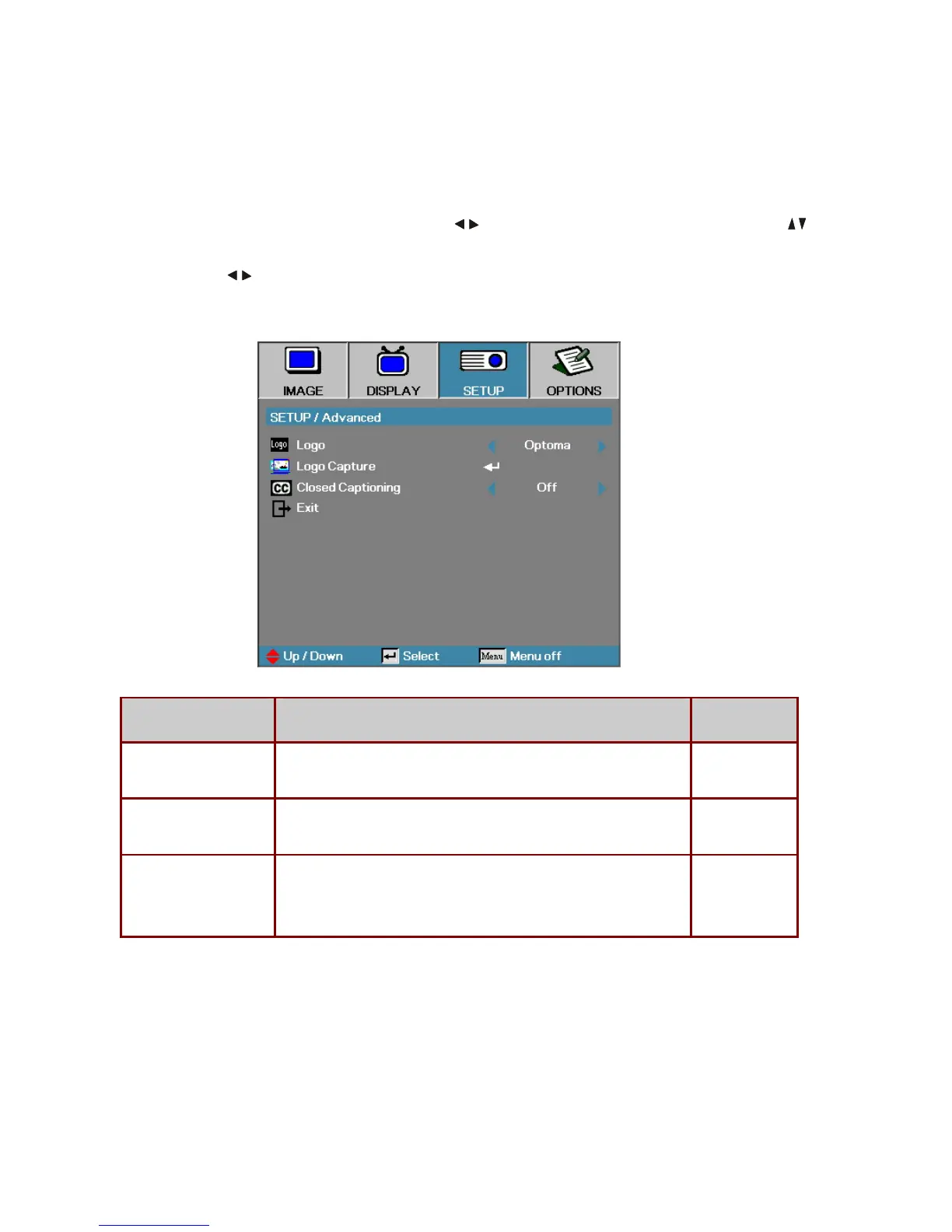
Press Menu to open the OSD menu. Press
to move to the OPTIONS menu. Press to
move up and down in the OPTIONS menu. Select Advanced and press Enter to open the sub
menu. Press
to change values for settings, and then press Enter to confirm the new
setting.
ITEM DESCRIPTION DEFAULT
Direct Power On
If the user selects On the projector will automatically power on when
AC power is supplied.
Off
Auto Power Off (min) Set the projector to automatically switch off the lamp when there is no
signal after 15 minutes.
30
Sleep Timer (min) Sets the countdown timer interval. The timer will begin, with or without
a signal input. Then the projector will automatically power Off when the
sleep timer countdown stops (in minutes).
0
Note:
Press any keypad/IR button to restore the original timer setting when a warning message
displays.



 To Next Page