Delta Elec. Inc. ES522 & EX532
Company Confidential Optoma___________________ Delta________________
79
2009/06/30
5-4.
Starting and Shutting down the Projector
1.
Connect the power cord to the
projector.
2.
Turn On the connected devices.
3.
Ensure the Power LED is steady
(flashing) and then press the Power
button to turn On the projector.
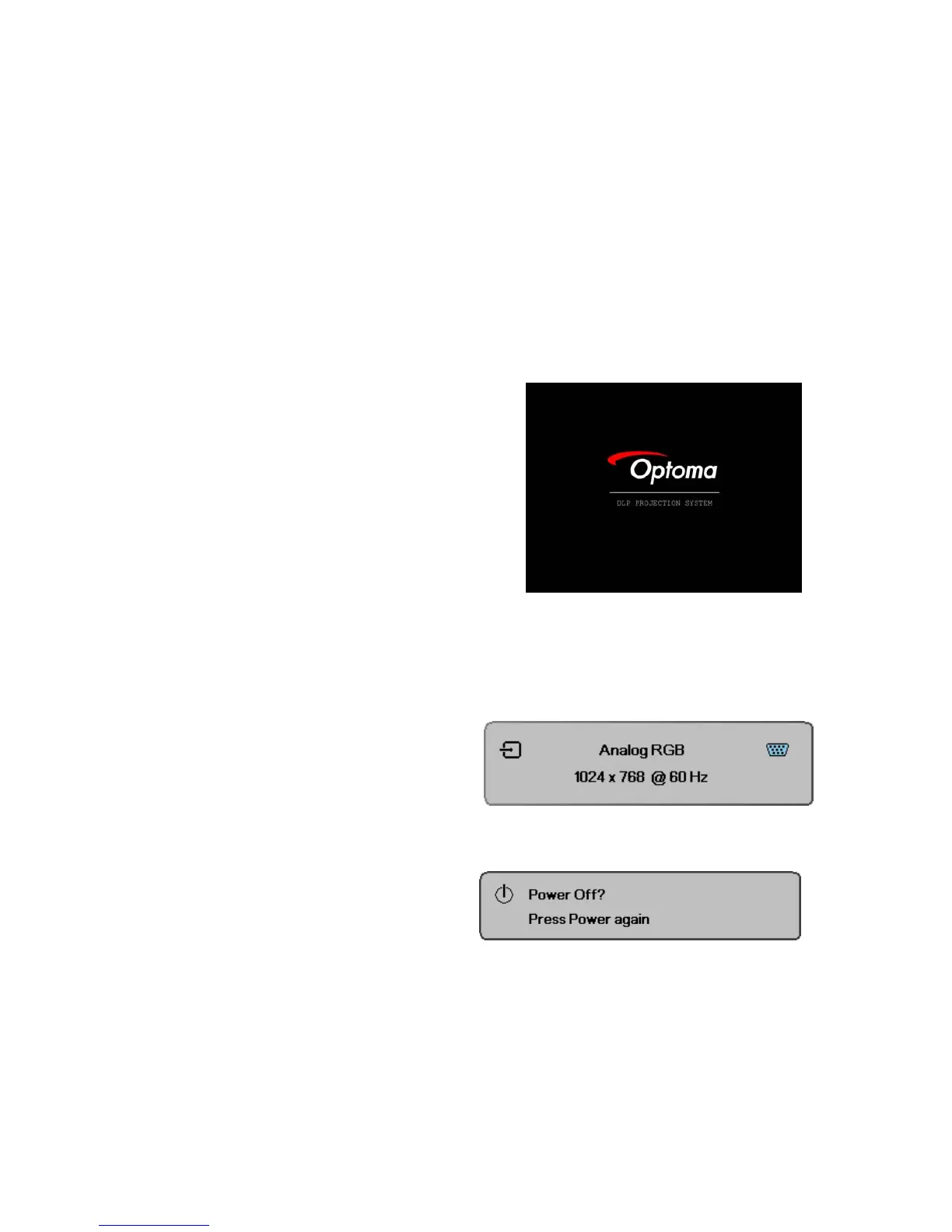
The projector splash screen displays
and connected devices are detected.
If the connected device is a PC,
press the appropriate keys on the
computer keyboard to switch the
display output to the projector.
(Check the user manual of the PC to
determine the appropriate Fn key
combination to change display
output.)
4.
If more than one input device is
connected, press the Source button
repeatedly to switch among devices.
(DVD and HDTV are supported
through the VGA connector)
5.
To turn off the projector, press the
power button. The Power Off? /
Press Power again message
appears. Press the Power button
again to turn off the projector.
Caution:
Do not unplug the power cord until the Lamp LED (on Cooling mode) stops flashing–indicating
the projector has cooled down.



 To Next Page