Delta Elec. Inc. EP7155i & EP1691i
Company Confidential Optoma_______________________ Delta____________
37
2010/01/11
Removing the Fans Module
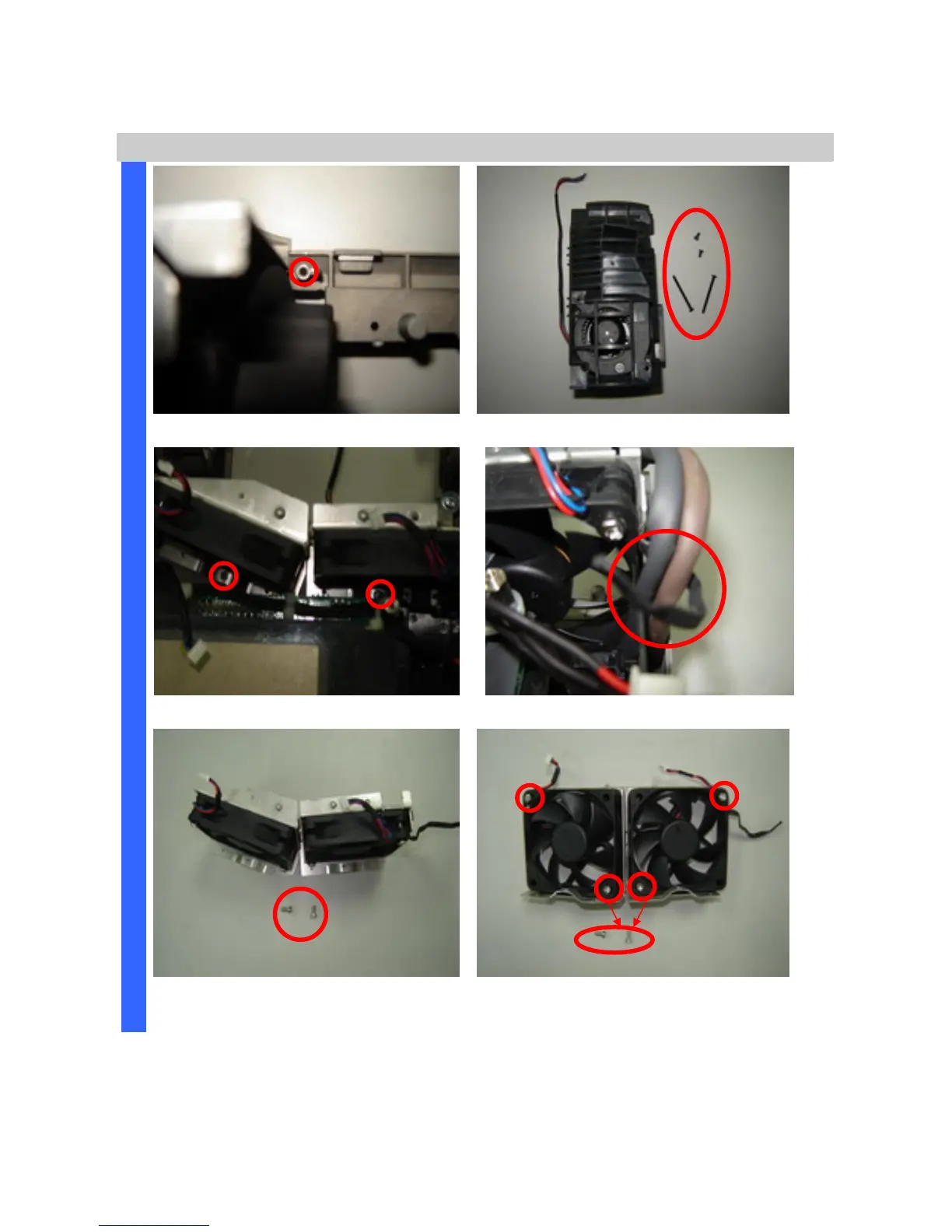
Remove the screw and fan module (S11).
Review the fan module and screws.
Remove the two screws.
Arrange the wires as picture when you assemble it.
D
I
S
A
S
S
E
M
B
L
Y
Take off the Fan module and review
the two screws (S12).
Remove the four screws and replace the
fans (S13).



 To Next Page