Delta Elec. Inc. EP7155i & EP1691i
Company Confidential Optoma_______________________ Delta____________
40
2010/01/11
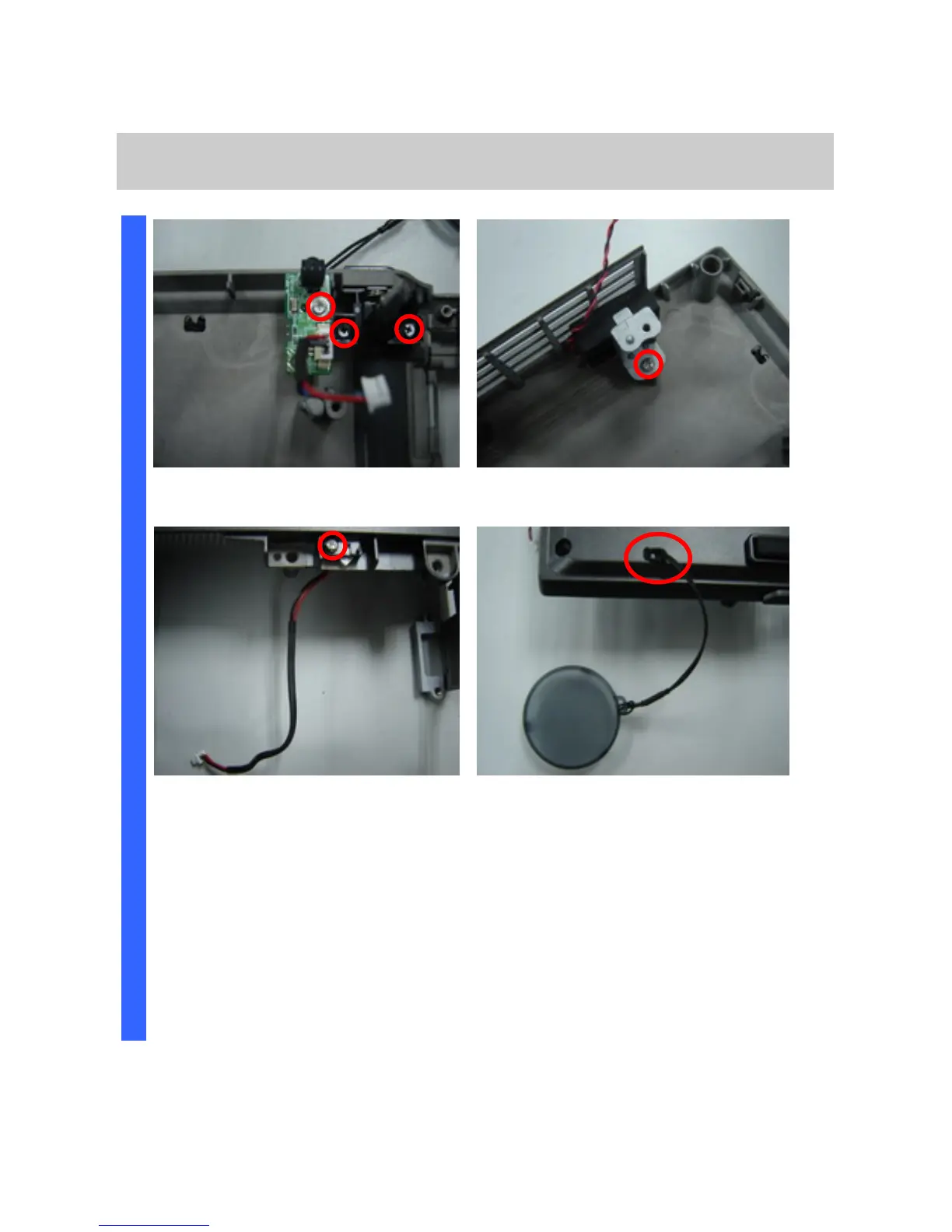
Removing the IR Board / ADJ Foot / Speak Module /
Inter-lock switch / Lens Cap
Remove the three screws and replace
the IR board and ADJ foot (S20/21).
Remove the screw and replace the
speak module (S22).
Remove the screw and replace the
inter-lock switch board (S23).
Review the lens cap.
D
I
S
A
S
S
E
M
B
L
Y



 To Next Page