24 Optomed Aurora
CAPTURE SETTINGS IN IMAGE
Writing capture settings to the image can be enabled or disabled. If it is on, the
brightness level and diopter value are written in the lower right-hand corner of the
image. The writing capture settings in image is o by default.
AUTOMATIC IR CONTRAST STRETCHING
Automatic IR contrast stretching can be enabled or disabled. If automatic IR
contrast stretching is on, the infrared live view brightness and contrast is adjusted
automatically according to the image content. Automatic IR contrast stretching is
o by default.
IR IMAGE
In addition to color image, there is also the possibility to capture an IR image. Use
Optoroller to choose whether to aim and to capture the image with IR light. Only
image captured with IR light will be saved.
IMAGE QUALITY ANALYSIS
The image quality analysis assists to evaluate the image quality of the captured
image. The analysis level can be set to be ‘
Basic’, ‘Strict’
or
‘Very strict’
by using
Optoroller. The image quality analysis is o by default.
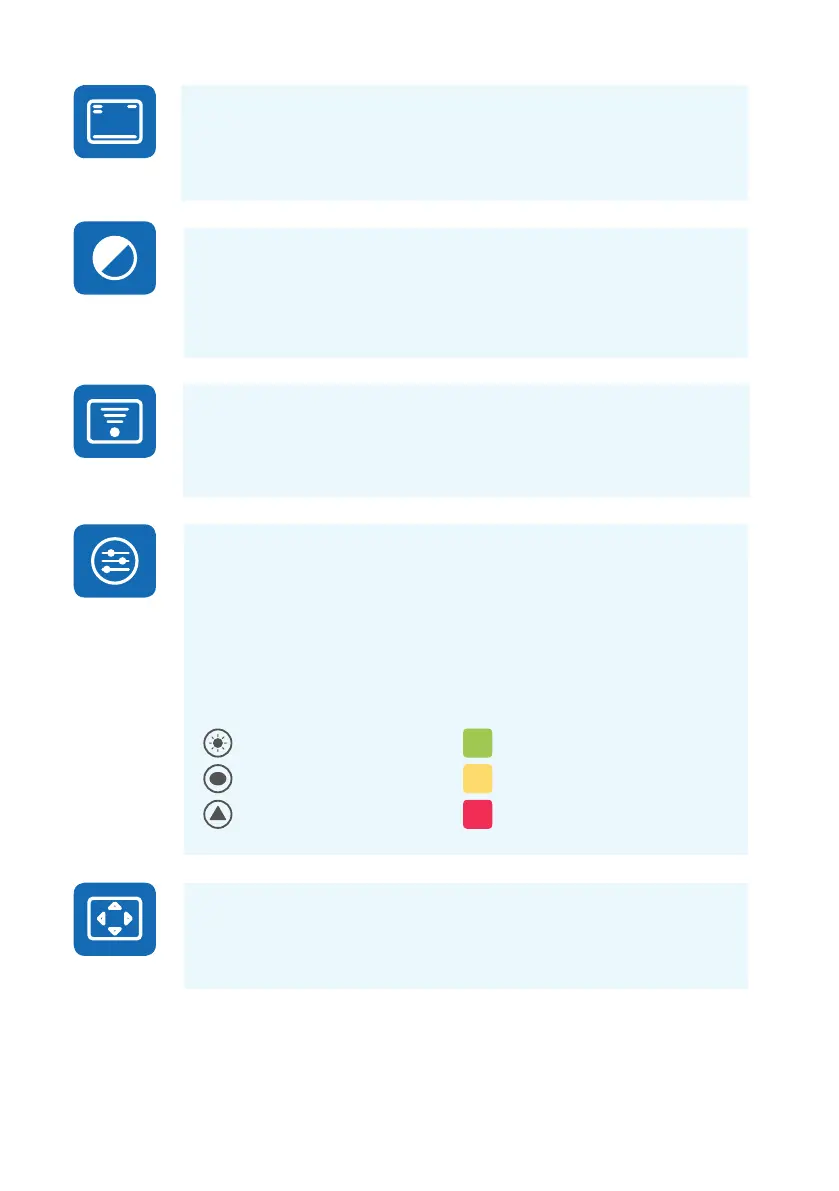
Aer an image is taken, brightness, reflection and shadowing, and sharpness are
analyzed to assist the evaluation of the quality of the captured image. The results
are shown with the symbols and with three dierent colors presented below.
| Features
Brightness
Reflection and shadowing
Sharpness
No reductions in image
Some reductions in image
Much reductions in image
CENTERING
Centering allows adjustment of the imaging area to correspond with the view area.
First select vertical or horizontal adjusting by using Optoroller. Move the image to
the middle of the screen by turning Optoroller.



 To Next Page