26 Optomed Aurora
Aurora Camera is used with interchangeable optics modules Aurora Retinal Module and Aurora Anterior
Module. Use Aurora Retinal Module to capture fundus images and Aurora Anterior Module to capture images
of the surface of the eye and surrounding areas.
Optomed Aurora has two capture modes: still imaging and video recording. When recording video with
Aurora Retinal Module, the patient’s eyes need to be dilated. Capture mode is selected from the optics-
specific settings in the menu.
Select focus mode to manual or autofocus from the quick menu. When focus mode is set to manual, a diopter
scale is shown on the screen and focus can be adjusted. In autofocus mode, the camera finds correct focus
automatically.
• For Aurora Retinal Module, it is recommended to use manual focus. Manual focus is adjusted according
to the patient’s refractive error. When the patient has hyperopia, set the focus to be positive by turning
Optoroller to right, and when the patient has myopia, set the focus to be negative by turning Optoroller le.
• For Aurora Anteror Module, it is recommended to use autofocus.
Adjust imaging light brightness from the quick menu.
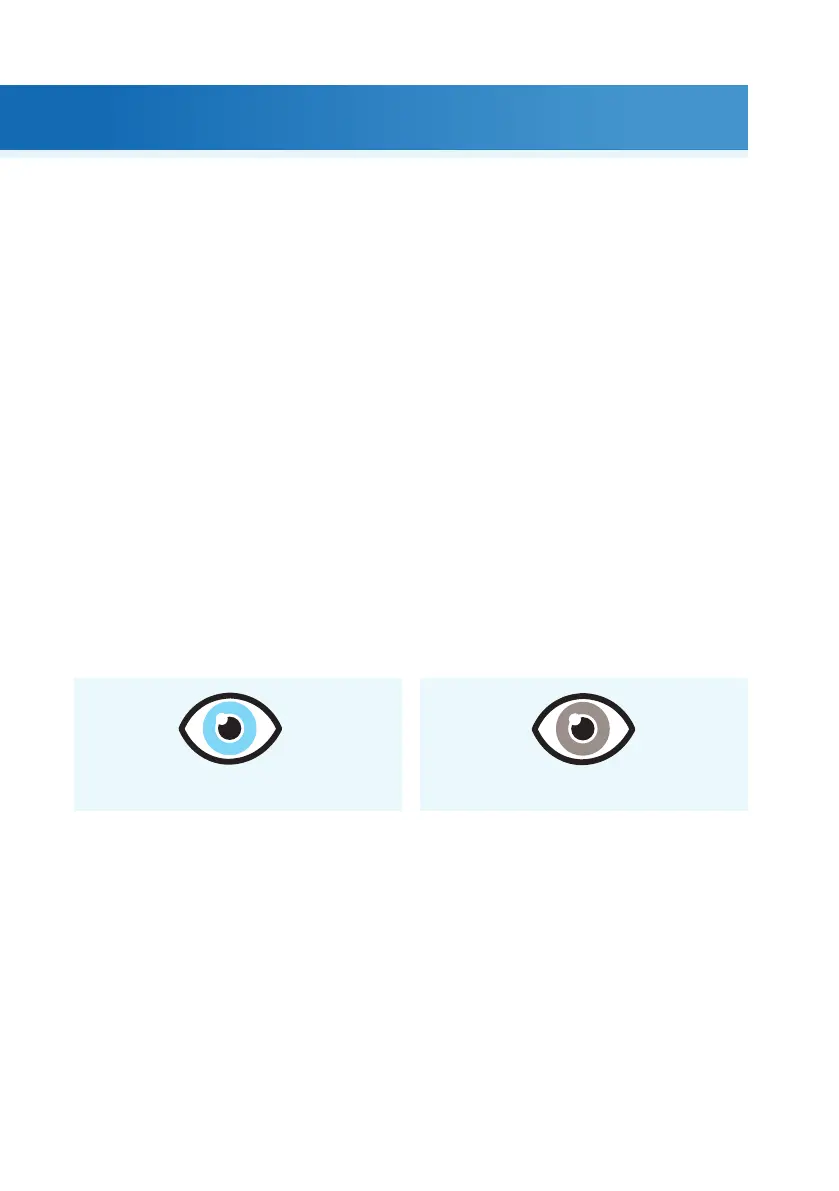
• When imaging with Aurora Retinal Module, the suitable brightness setting depends on the pigment
of the patient’s eye and age of the patient. For adult patients with blue or green eyes, the right setting
is approximately 3 to 5 and for patients with brown eyes 6 to 8. If images are too bright, it is possible
to reduce brightness below 3. Respectively, brightness can be increased up to 10, if images are too dark.
• When imaging with Aurora Anterior Module, first select the imaging light to be white or blue and then
set the brightness. The default value is 5, which is suitable for most imaging situations.
Aurora Retinal Module has nine internal fixation targets for the patient to fixate on during imaging. The
middle fixation target is automatically on and it provides a macula center image. Change the fixation target
from the quick menu.
There are four focus windows in Aurora Anterior Module to focus the image on dierent areas during
autofocus imaging. The right focus window is selected by default. Change the focus window from the
quick menu.
Create a new study for each patient from the ‘Patients’ menu.
5. Imaging with Aurora
3-5 6-8
| Imaging with Aurora



 To Next Page