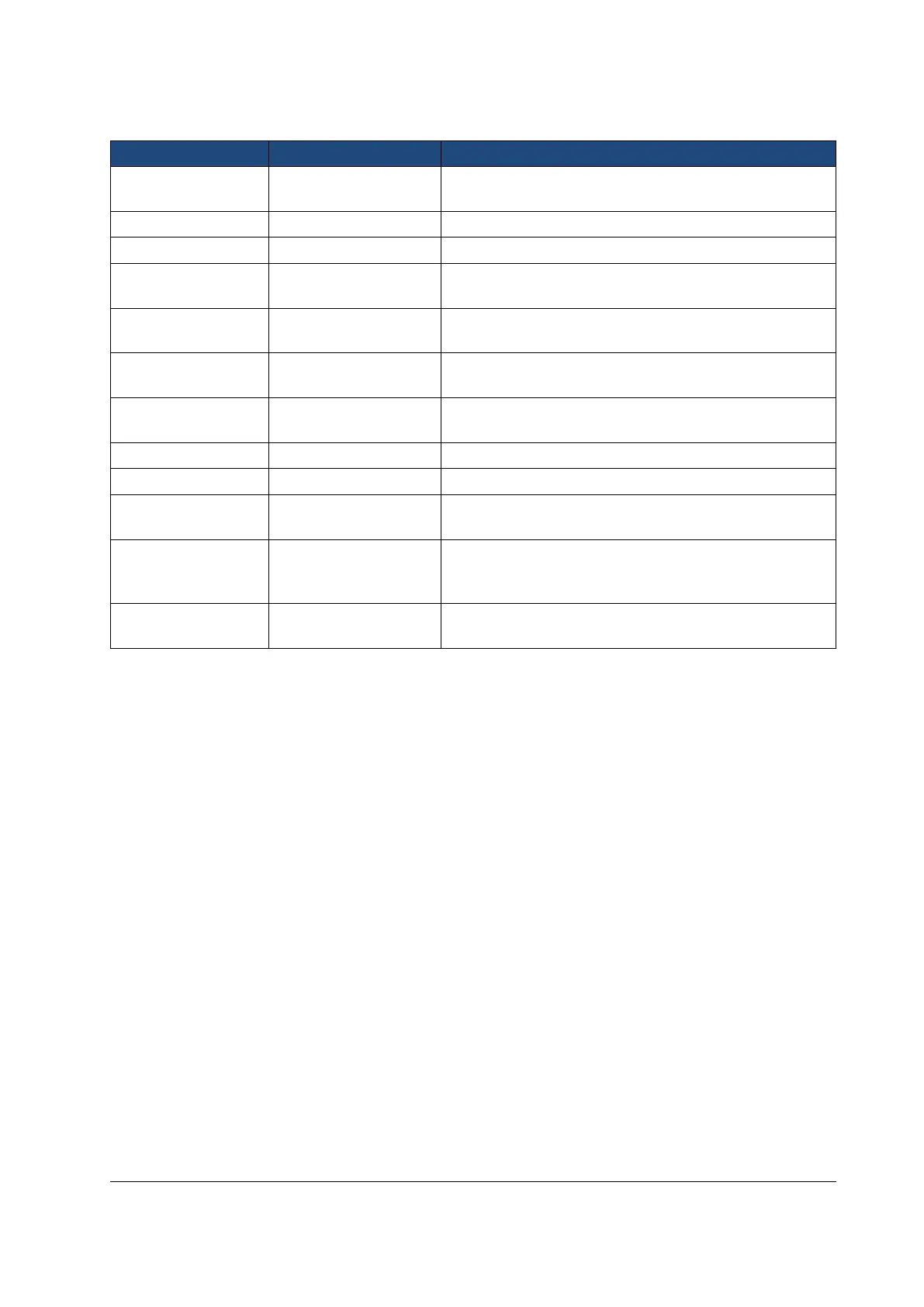
Table below includes explanations of the EY settings tab for retinal imaging:
Use left and right arrow keys to move between still capture
and video capture.
Enable capture by pressing shutter button half way.
Mark side of the eye to the image data.
Saves a copy of an eye image using green color channel
only.
Saves an image taken with IR light in addition to white light
image when turned on.
Capture red reduced copy in addition to normal fundus
image.
Use left and right arrow keys to select aiming and capture
light source.
Enable automatic IR contrast
Fixation target light can be set to constant if needed.
Enable or disable writing of capture settings to image.
Instant review can be ON/OFF according to user need, as
available in EY Optics menu. Instant review image can be
changed from left and right arrow keys.
Enable or disable the image quality analysis after image
capture.
Capture mode
Both still images and video can be taken with the Smartscope M5 camera. When taking video the shutter
button must be held down while taking the video. The video recording will stop once the shutter button
is released.
Half-press capture
It is possible to take images and video by pressing shutter button halfway down.
Marking side
It is possible to mark which eye was imaged. Marking side is enabled from the menu. When On side is
marked to the file name and to the image. For video files, side is always marked only to the file name.
When marking side is enabled, camera verifies side after each captured image. Identifiers used for eye
images are OS for left and OD for right.
Save Red-free
If red-free image is enabled from menu, then camera will save a picture using only green channel at the
same time when saving original picture.
Save IR image
If Save IR image is enabled from menu the camera will save an image taken with IR image in addition to
saving a color image taken with white light.



 To Next Page