9. Eye imaging using anterior ophthalmic module Smartscope ES2
Optomed Smartscope ES2 is intended to capture images and video of the surface of the human eye and
surrounding areas. The device set for anterior ophthalmic imaging consists of:
• Camera handset M5
• Attachable anterior ophthalmic lens ES2
• Cradle for charging and image transfer
Smartscope ES2 optics module has two light sources, white and cobalt blue light. User can choose
between the light sources by pressing middle key when ES2 module is attached. Cobalt blue light enables
taking fluorescent pictures of the surface of the eye to reveal any cuts or defects.
STEPS FOR EYE SURFACE IMAGING:
1. After ES2 optics module is attached the light source is chosen by pressing middle key.
2. Still or video image is selected. Selection is made in ES menu.
3. It is recommended to use autofocus.
4. Aiming light is turned on by pressing the shutter key (in front of the device) halfway down.
5. Light is adjusted using left and right arrow key. There are altogether 10 brightness levels. Default value
is 5. Suitable illumination is typically 2 to 8.
6. Place the optics module cup on patient’s eye. Patient can be asked to look at different directions
depending on what area of the eye needs to be captured.
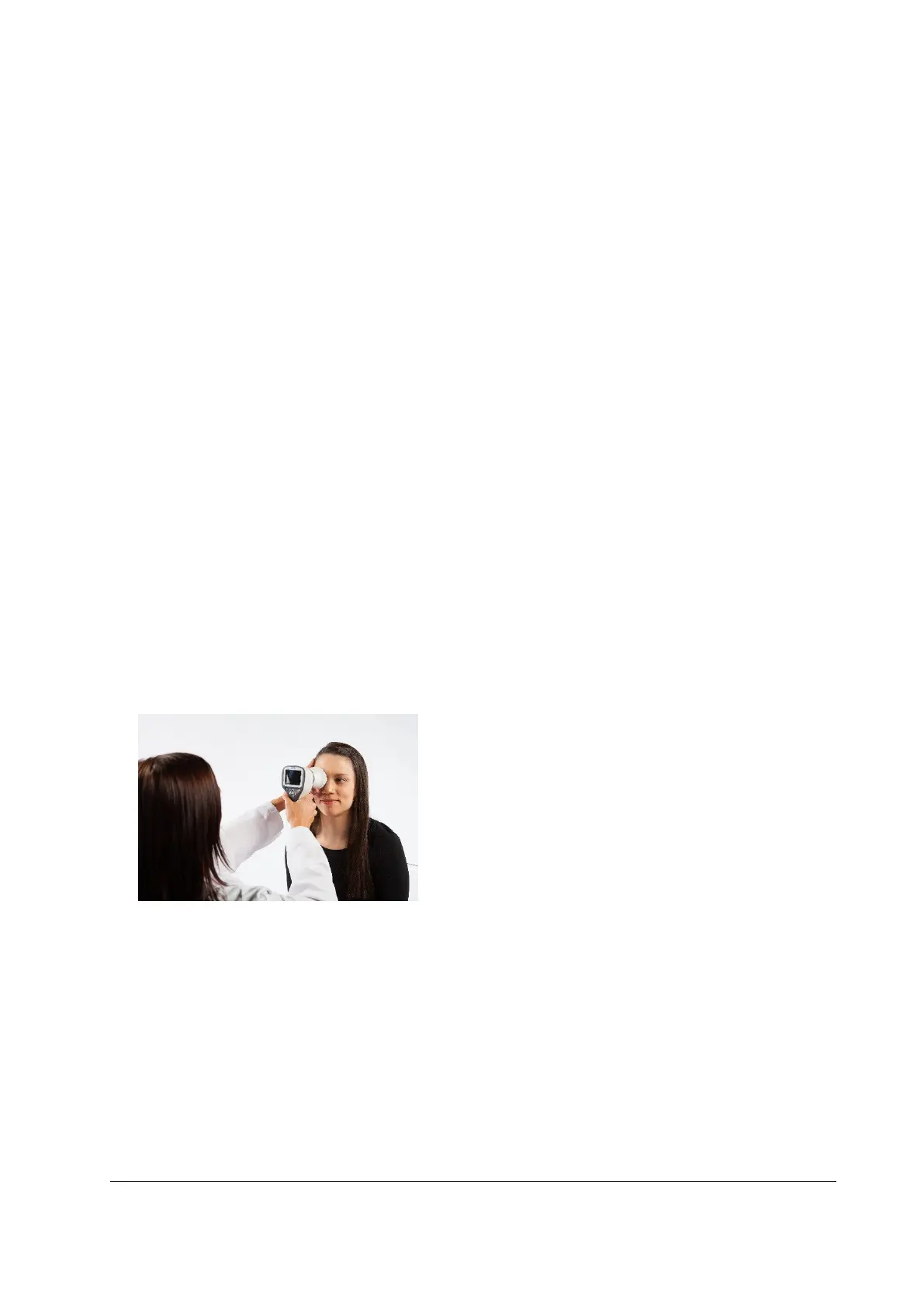
Camera is stabilized by keeping the outer side of the hand against the patient’s forehead. Example of
the correct usage position is shown below:
7. Still image is captured by pressing the shutter key all the way down. If half-press capture is enabled,
still image can be captured by pressing shutter button halfway down. Taken image is displayed on
screen until user clears the image by pressing shutter button, left or right soft key.
Instant review can be enabled/ disabled in the Smartscope ES2 optics menu.
8. Image can be zoomed in instant preview by pressing middle key. There are four zoom levels (1, 2, 4,
8). Pressing middle key activates the next level. Move around the image by using arrow keys. Scroll
between images by using left and right arrow keys.
9. Video is captured by keeping shutter button down. If half press-capture is enabled, video image can
be captured by pressing shutter button halfway down. Video capturing is finished by pressing shutter
button all the way down.



 To Next Page