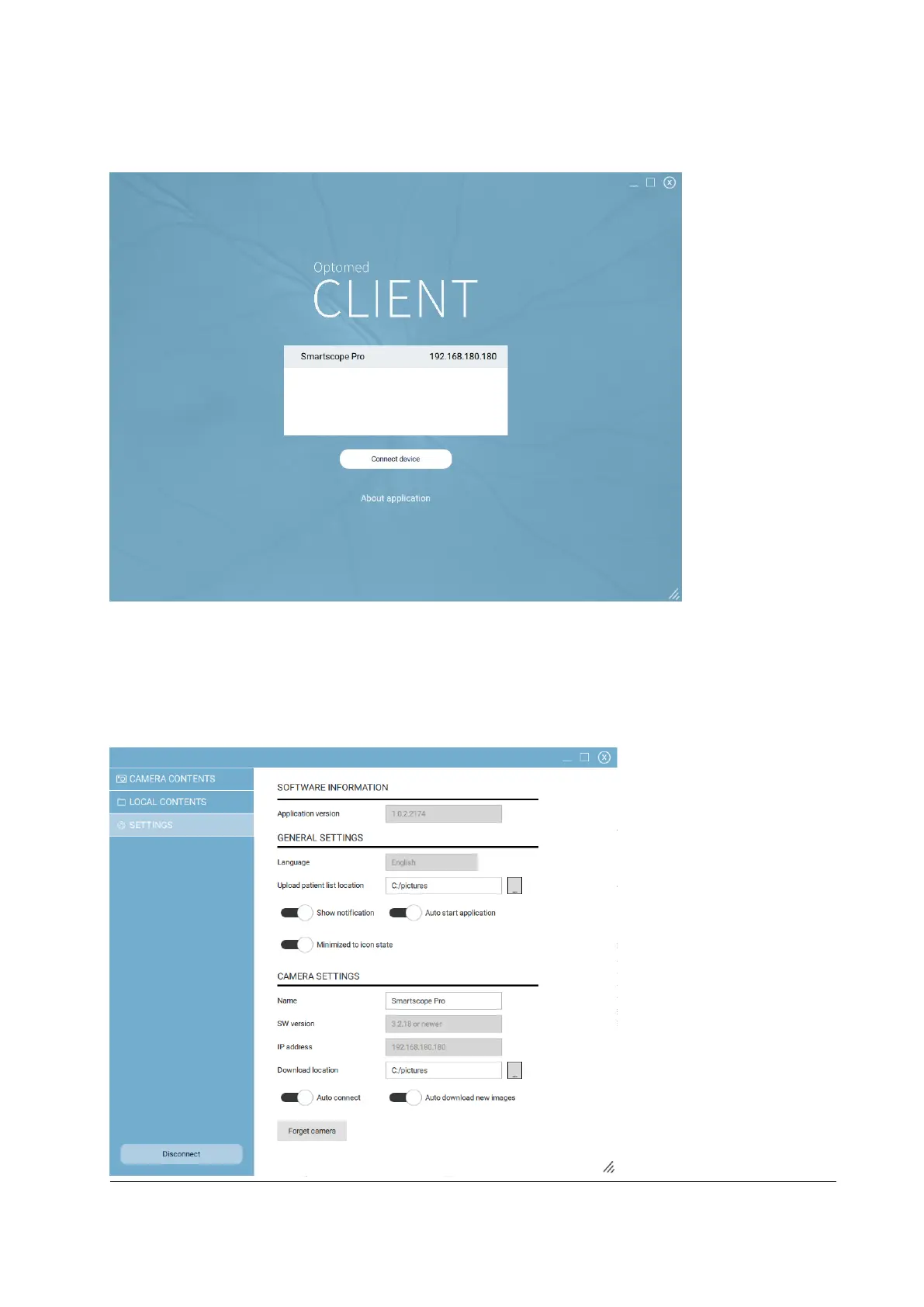
Then open Optomed Client. The camera in the network is shown on the list. Select the camera that you
want to connect and press ‘Connect device’ (figure below).
For the first time you connect the camera, you are directed to view and change general and camera
specific settings (figure below). Here you can specify the location where the images from the selected
camera will be downloaded and the location where the patient list will be uploaded to the selected
camera. For the next time, the camera connects automatically to the PC and captured images will be
automatically downloaded unless you change these settings.



 To Next Page