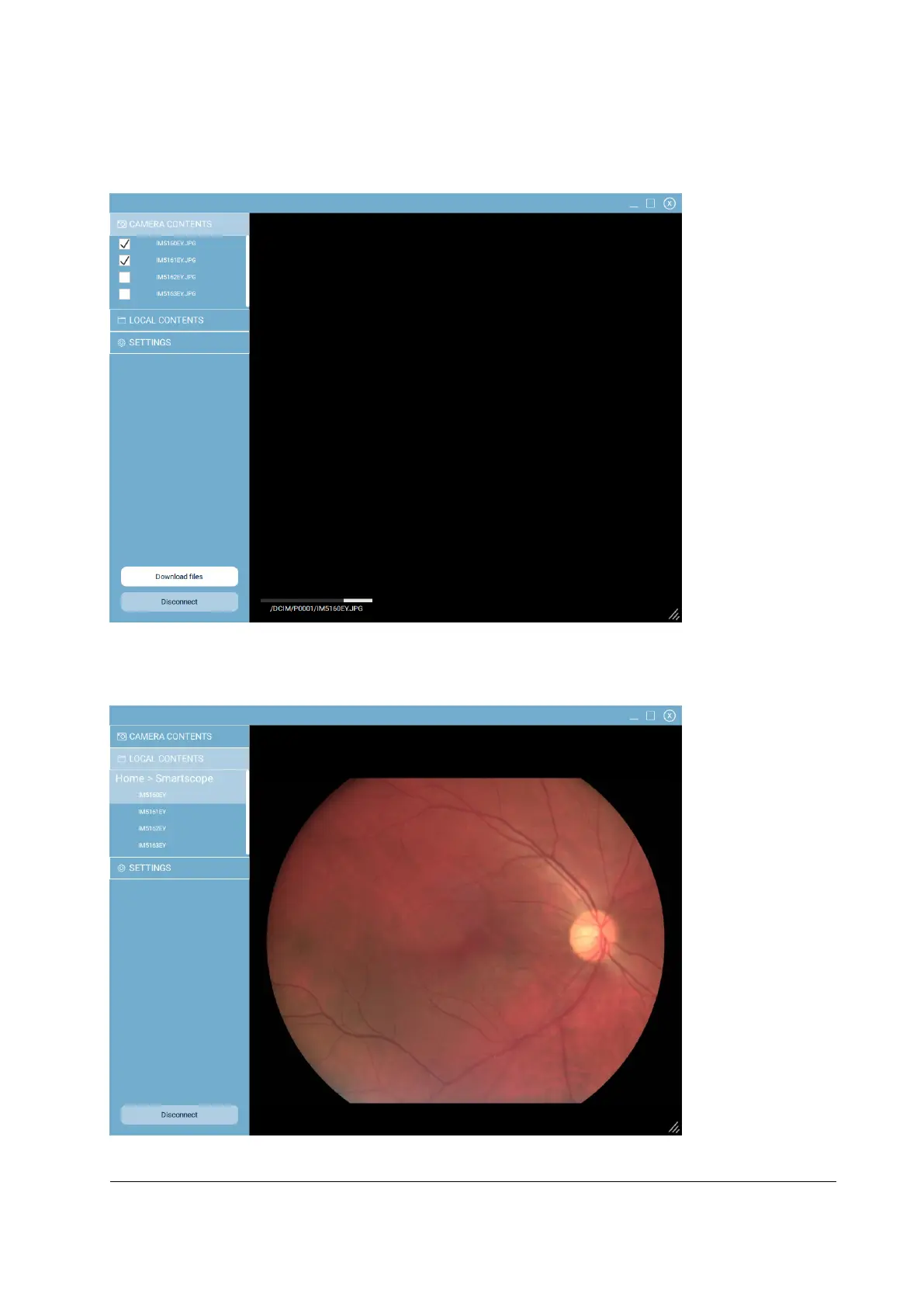
To download images manually from the selected camera, go to Camera contents (figure below). Select
images which you want to download from the list on left and press ‘Download files’.
To preview images that you have downloaded, go to Local contents (figure below). Select an image for
preview from the list on the left.
To disconnect the selected camera from Optomed Client, press ‘Disconnect’



 To Next Page