Oracle Field Service
Using Core Application
Chapter 2
Dispatcher Activities
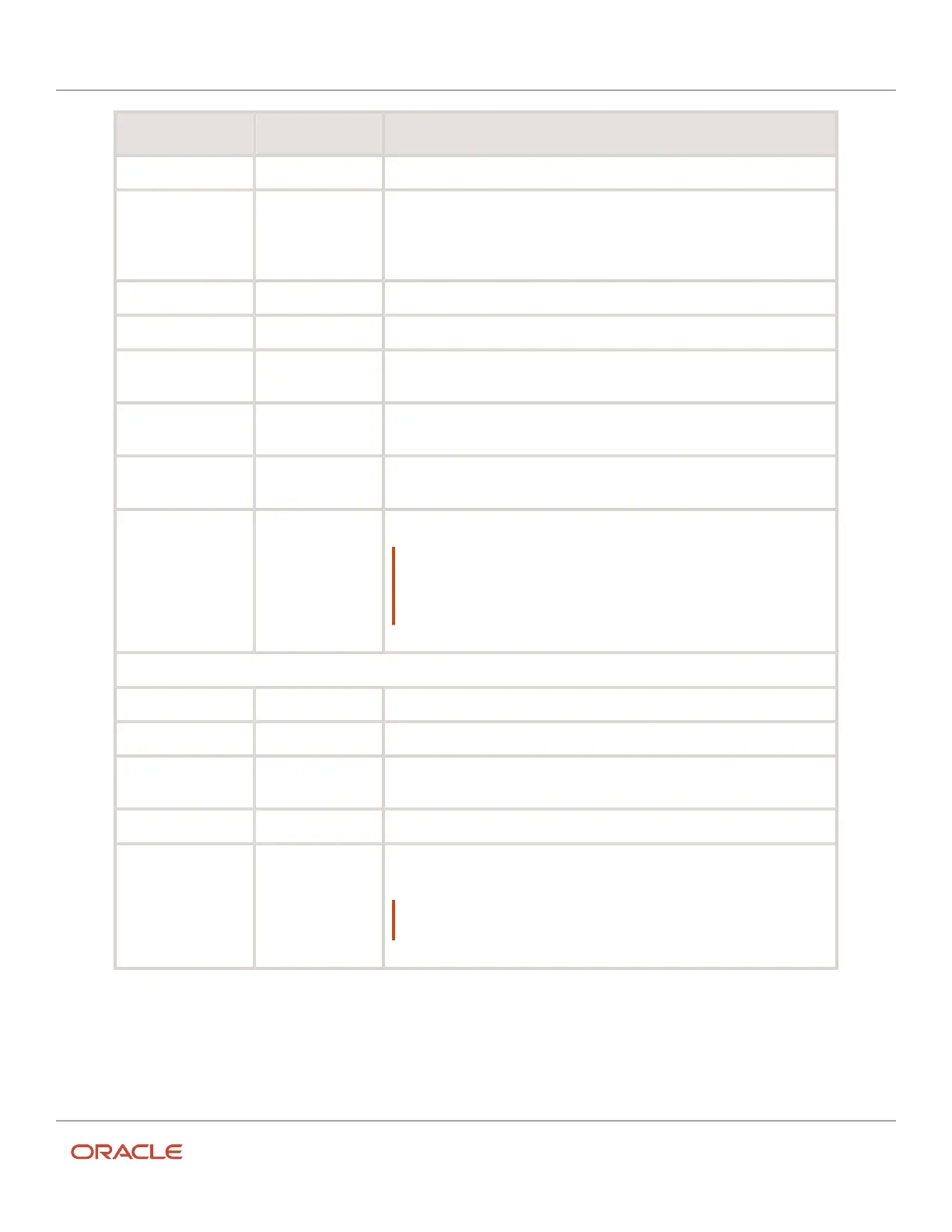
Field Mandatory Description
User Type Yes Select the user type for the resource.
Visible Resources Yes for the
Manager/Admin/
Dispatcher resource
type.
Select the organization, organization unit, or the bucket to which the resource
belongs.
Self Assignment See How Self-Assignment Works.
Login Yes Enter the login name for the resource.
Password, Confirm
Password
No Enter the password that you would like to set for the resource.
Force Password
Change at Next Login
No Select the check box, if you want the resource to change their password when
they log in for the first time.
Collaboration Group Select the collaboration groups. See Create a Group or Help Desk section in the
Administering Oracle Field Service Guide.
Initial Ratio for
Resource Value
See Set the Initial Ratio for Resource Value.
Note: If you select a resource from the Home page, navigate to the
Resource Info page, and click Information, then the Initial ratio for Activity
duration and Default ratio for Activity duration values are displayed on the
Edit Resource page.
Locale Settings
Message Language Yes Select the language in which the resource sees the error messages.
Time Zone Yes Select the time zone that the resource views in the application.
Time Format Yes Select the time format (12–hour or 24–hour) that the resource views in the
application.
Date Format Yes Select the date format that the resource views in the application.
Long Date Format Yes Select the long date format that the resource views in the application. A long
date is a date that includes words. For example, Wednesday, May 6, 2020.
Note: The field displays only for the Technician and Manager/Admin/
Dispatcher resource type.
5. Click Submit.
Set the Initial Ratio for Resource Value
The Initial ratio for Activity duration field indicates the percentage by which the company-wide estimations of the
activity duration is multiplied to get the estimated activity duration at the resource level for the new activities. This ratio
126













 To Next Page