3-30 Operation
Radio Text Speed: (DRTS) Determines how fast the text scrolls on the receiver screen.
Program Identification: (PI) 4 Digit HEX number corresponding to the station’s “digital address” (ex: PI=3D44)
Program Type: (PTY) Index in PTY list that describes the broadcast format. (ex: 9 is “Top 40” in the United States)
Program Type Name: (PTN) 8 characters to further define program format.
Music/Speech (MS): Set for type of format (spoken word or music)
Stereo/Mono: Set to the mode you are transmitting with.
Traffic Program: (TP) Yes if the station broadcasts routine traffic reports. No if it does not.
TA Timeout: (TATIME) Seconds between start of TA flag and automatic reset to OFF.
Current Time: (TIME) Transmits the current time to receivers that have time sync. IMPORTANT – Make sure the
5950 has the correct time before enabling this feature or receivers will display the wrong time of day. If you aren’t
sure you will be able to keep the system time correct, choose NO.
EAS TEXT: Displays a unique message when EAS mode has been triggered.
EAS TIME: Returns the number of seconds remaining for the current on-air EAS alert transmission.
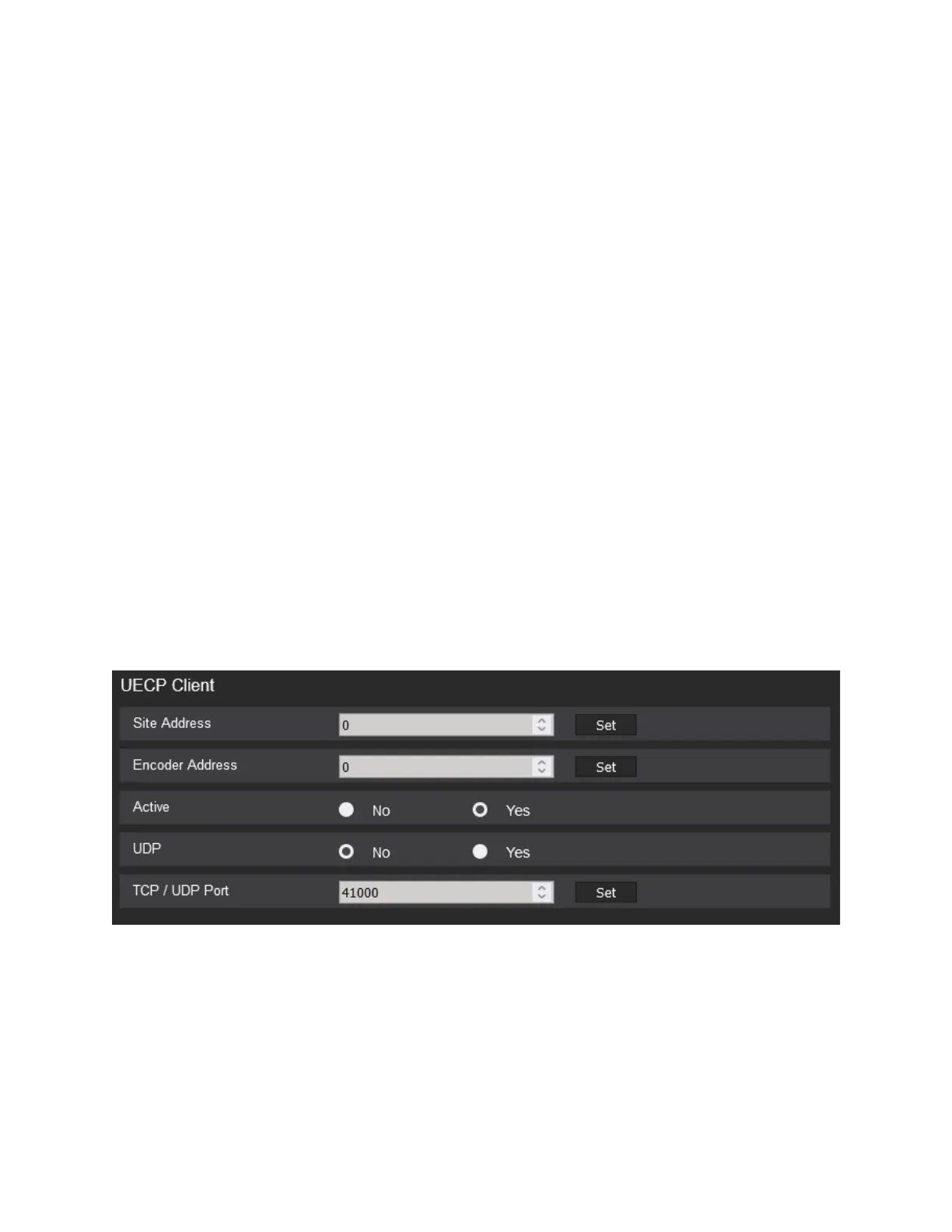
UECP CLIENT (Universal Encoder Communication Protocol)
The RDS encoder supports network-based UECP connectivity with either the TCP/IP or UDP protocol. Use the
PHTML5 application to set these client settings from the RDS tab in the I/O Setup dialog: Site Address, Encoder
Address, TCP/IP Port number, UDP, and UECP Active status. Use the values suggested by your UECP Server
software for these fields.
The client TCP/IP Port is only updated at the OPTIMOD when you disconnect the PC remote software from the
unit.



 To Next Page