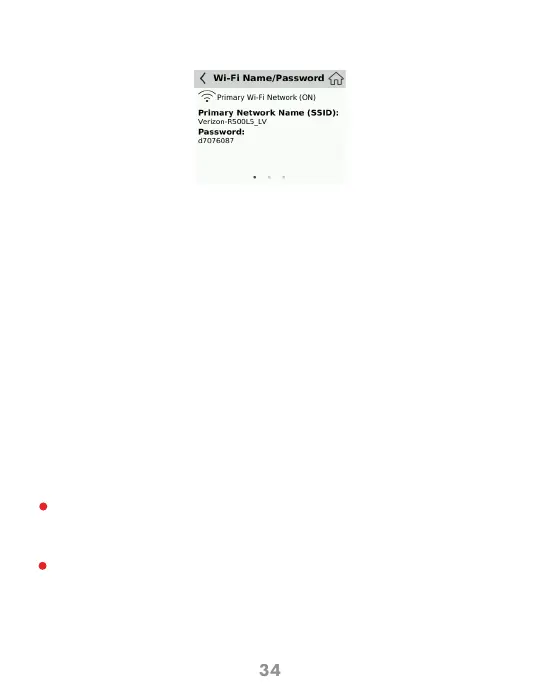
I forgot my Wi-Fi Password.
Common Problems and Solutions (cont’d)
I forgot my Mobile Hotspot Admin Website Password.
I cannot connect to my Mobile Hotspot.
You can go WiFi > Wi-Fi Name/Password watch the Password.
The password is listed (you may have to click on the eye lid icon to view it).
Also displayed here are your Wi-Fi Name (SSID) and other useful Wi-Fi
settings. Settings are defined for both 2.4 GHz and 5GHz separately.
• Your Mobile Hotspot Admin website Password is the same as your Wi-Fi Password.
Open your wireless network connection list:
The Speed Mobile Hotspot SSID will be listed as “Verizon-R500L5-XX” PC’s:
Left-click icon and select View Available Networks.
PC’s: Click Connect.
When your device is connected to the network, the Connected Devices icon in the
status bar will show a connected device.
• Make sure the Network Signal Strength indicator displays at least one
bar and that the type of network is displayed on the Mobile Hotspot Home
screen.
• Make sure your Wi-Fi is turned on the device you want to connect. (Refer to
your Mobile Hotspot’s Help if you need assistance.)
You can also view the password from the WEB UI by selecting
Configuration
1
2



 To Next Page