How do I disconnect from the network?
How can I find out how many users are connected to my Mobile Hotspot?
How can I say that my Mobile Hotspot is still on after the device screen goes off?
From the WEB UI:
You can turn mobile data off from the WEB UI by selecting
Configuration > Advanced Settings > Network > Network Selection then turn it off.
From the Device:
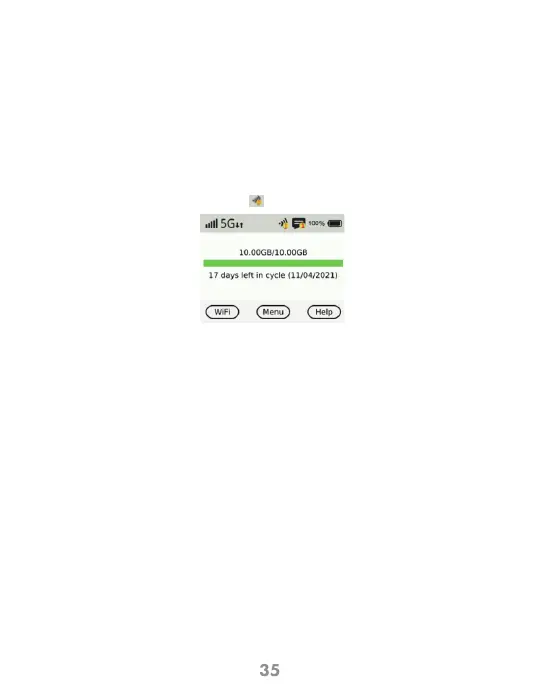
• From the Home Screen the number of connected devices is displayed in a
yellow circle to the Wi-Fi Signal icon at the top of the display.
From the Mobile Hotspot WEB UI website:
• Select the Connected Devices menu on the home page. The devices
connected by Wi-Fi and tethered is displayed showing name, MAC address
and IP address.
• When the display is off (sleep mode) press the Power or the Menu button
briefly to wake it up



 To Next Page