How do I turn off my Mobile Hotspot?
How can I tell that my Mobile Hotspot is still on after the device screen goes off?
Common Problems and Solutions (cont’d)
How do I check the battery level of my Mobile Hotspot?
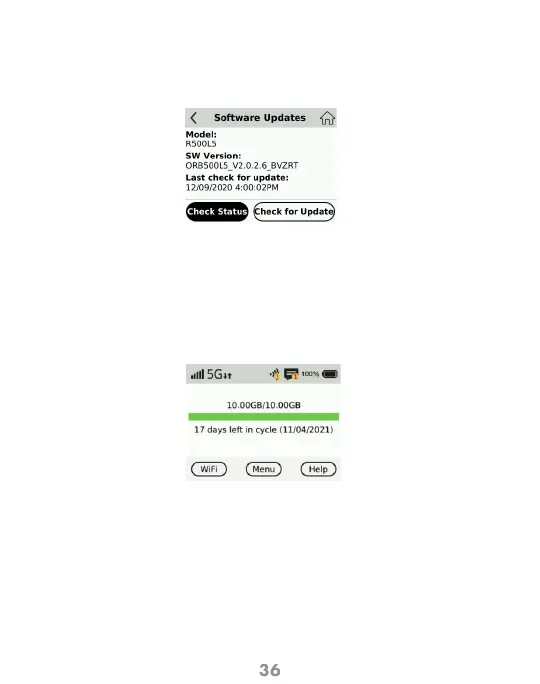
How do I check the firmware version installed on my Mobile Hotspot?
From the Device:
• Press Menu button, then choose Software Update menu and the version is
displayed.
From the WEB UI Website:
• From the home screen select Configuration > Settings > Software updates.
The current software and hardware version are displayed.
• Check the battery icon on the status bar on the Hotspot Home screen.
• Press and hold the Power button for 5 seconds until the display shows
Powering Off.
• When the display is off (sleep mode) press the Power or the Menu button
briefly to wake it up.



 To Next Page