12
Charging other devices
You can use the USB-C port on your Hotspot to charge other
devices, like a cell phone or tablet.
To charge another device:
1. Connect the USB-C end of a USB cable into the USB-C port of
the Hotspot.
2. Connect the other end of the USB cable into the device you
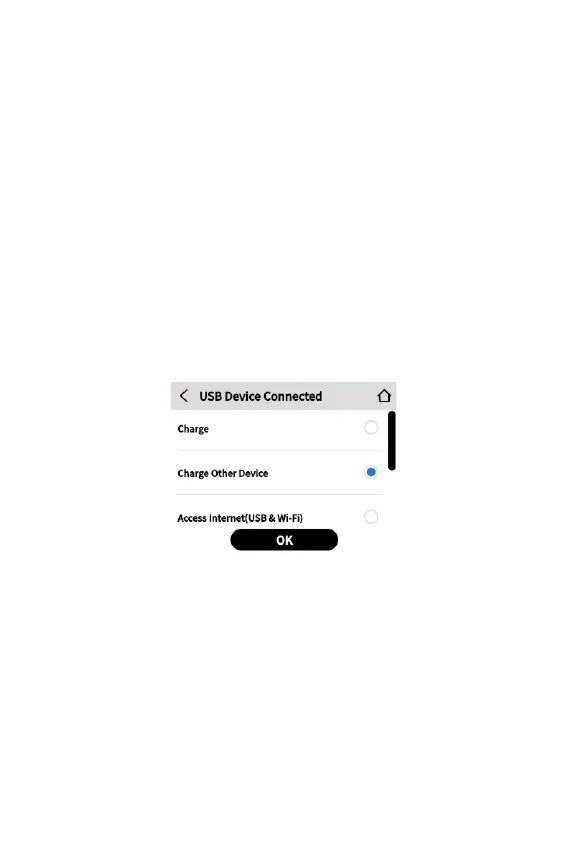
wish to charge. The USB Device Connected touchscreen
appears.
3. Select Charge Other Device and tap OK.
NOTE: Do not use the Charge Other Device feature if you want to
use the battery for a full day.
Charging best practices
For optimum battery health and life, Orbic does not recommend
keeping the battery fully charged for an extended period of time.
As a result, Hotspot includes the Battery Preservation Mode
(BPM) feature, which helps prevent overcharging and preserve the
integrity of your battery.
Orbic recommends the following best practices to ensure optimal
battery performance and life:
• Minimize the amount of time the battery stays at 0% or 100%.



 To Next Page