36
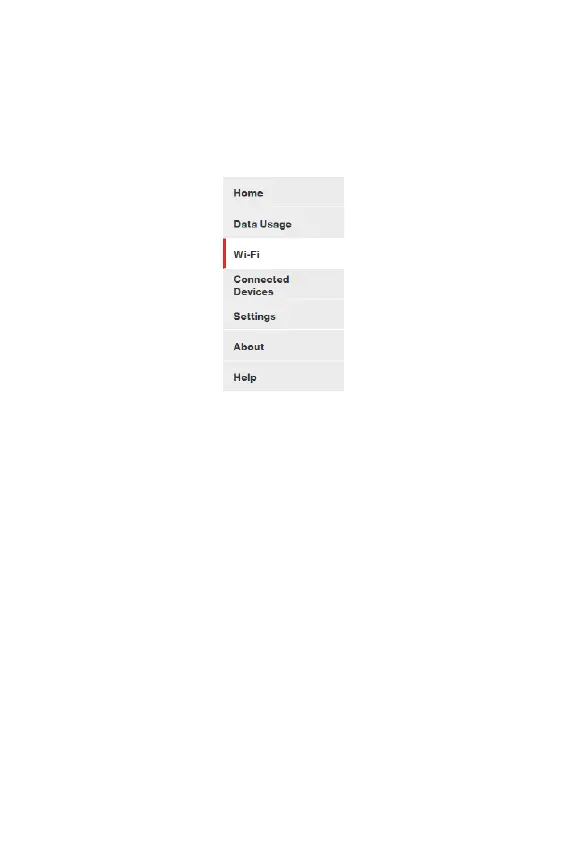
Side Menu
Each subscreen in the Hotspot Admin Web user interface (UI)
includes a menu on the left, which you can use to return to the
Home page or jump to other pages. The current page is indicated
by a red bar.
Admin Password
The Admin password is what you use to sign into the Hotspot
Admin Web UI. Initially, it is the same as the default password for
your Hotspot primary network. Tap Wi-Fi Name/Password on
the Home touchscreen of your Hotspot to view the initial default
password.
You are prompted to change the Admin password upon rst login.
Change the password to something easy to remember, and set up
a security question.
NOTE: You can set up separate Wi-Fi passwords both primary and
guest networks in Wi-Fi, but these are different from the Admin
password, which is for this Web UI.



 To Next Page