24
Wi-Fi
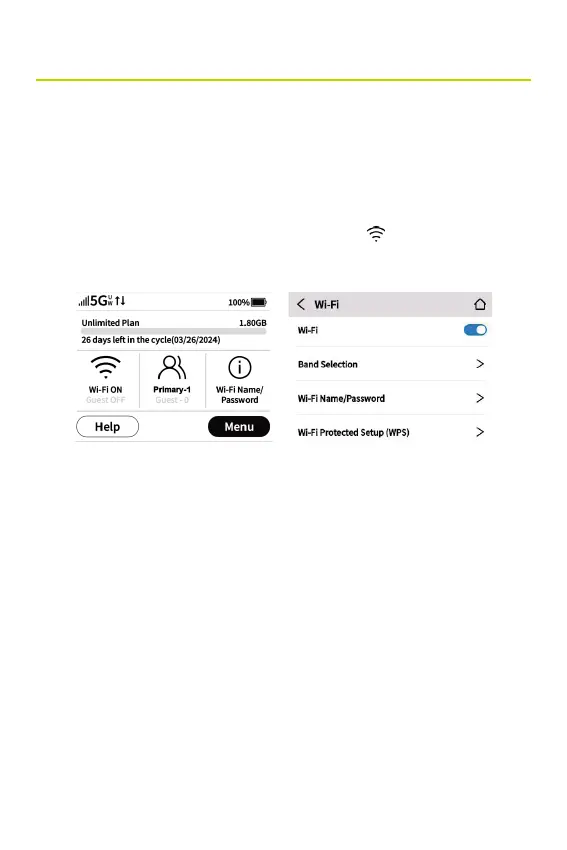
The Wi-Fi Settings screen allows you to turn Wi-Fi ON/OFF and
select primary and guest network settings.
NOTE: Wi-Fi settings can be locked from the Admin Web UI. If they
are locked, they must be unlocked from the Admin Web UI Wi-Fi
Settings page.
To manage Wi-Fi settings, tap the Wi-Fi icon
on the Home
screen or tap Menu > Wi-Fi.
Use the Wi-Fi ON/OFF slider to turn Wi-Fi ON or OFF. This
selection affects primary and guest networks.
NOTE: If Wi-Fi is OFF, the only way to connect devices to the
Hotspot is by tethering with the USB cable or connecting via
Ethernet.
Band Selection
Use the default values as they appear or adjust them for your
environment.



 To Next Page