16
Battery
Battery Preservation Mode
When your Hotspot has charged for more than 16 hours straight, it
enters Battery Preservation Mode and battery level is maintained
between 50% and 60%. This helps prevent overcharging and
preserve the integrity of your battery. When Battery Preservation
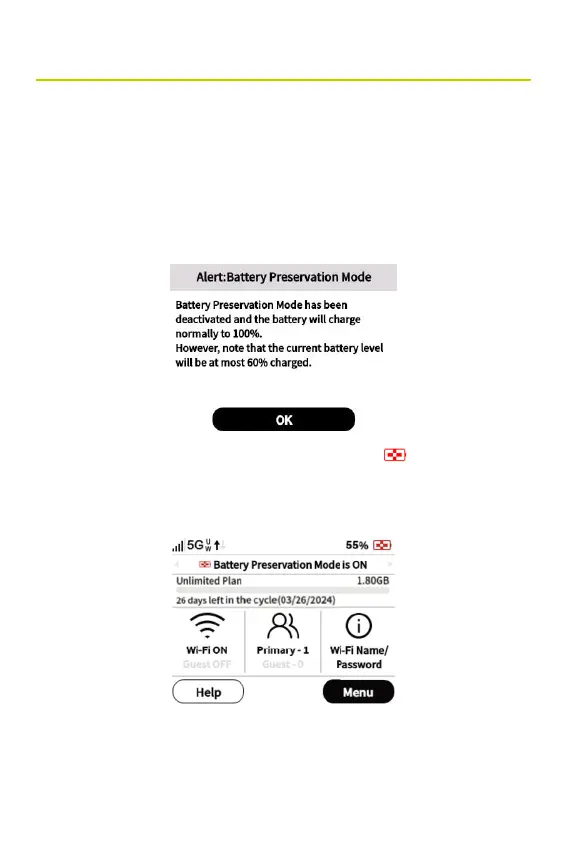
Mode is activated, the following message appears:
• Click OK. The Battery Preservation Mode
on the home
screen and a message on the InfoPanel indicate that Battery
Preservation Mode is on.
• Battery Preservation Mode automatically deactivates when
you unplug the charger or power cycle your Hotspot.



 To Next Page