9
Resetting the Hotspot ON/OFF
You can reset your Hotspot to factory settings using the Reset
button on the Hotspot, from the Hotspot touch screen, or from the
Admin Web UI.
CAUTION: Resetting returns your Hotspot to factory settings,
including resetting the Wi-Fi name and password and Admin
password. This disconnects all devices.
Resetting with Reset button
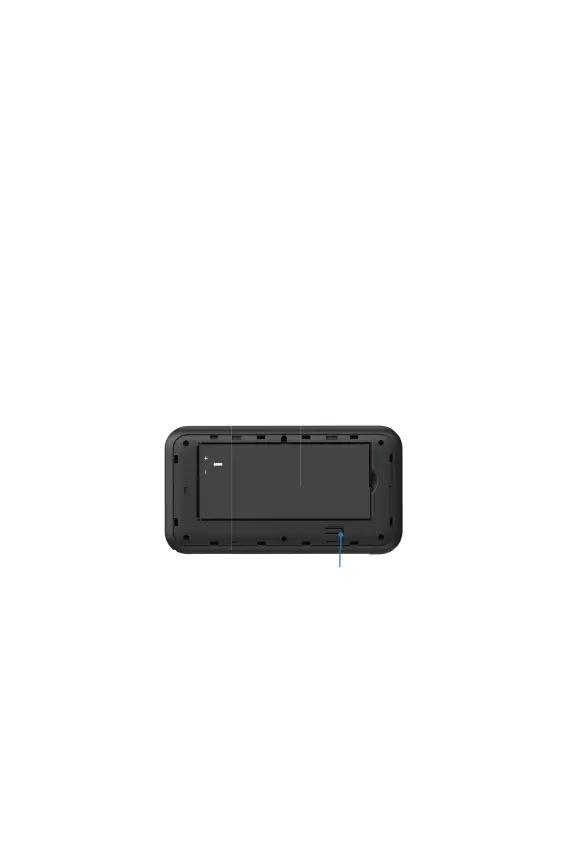
To reset using the Reset button on the Hotspot:
1. Insert a ngernail at the edge of the battery cover and lift and
remove the battery cover. Set the cover aside.
2. The master Reset button is in a small hole located on the
bottom of the Hotspot.
3. Place one end of an unfolded paper clip into the Reset hole
and press until the screen displays.
4. Resetting (about ve seconds or more). Your Hotspot restarts
with factory settings.
Reset button



 To Next Page