23
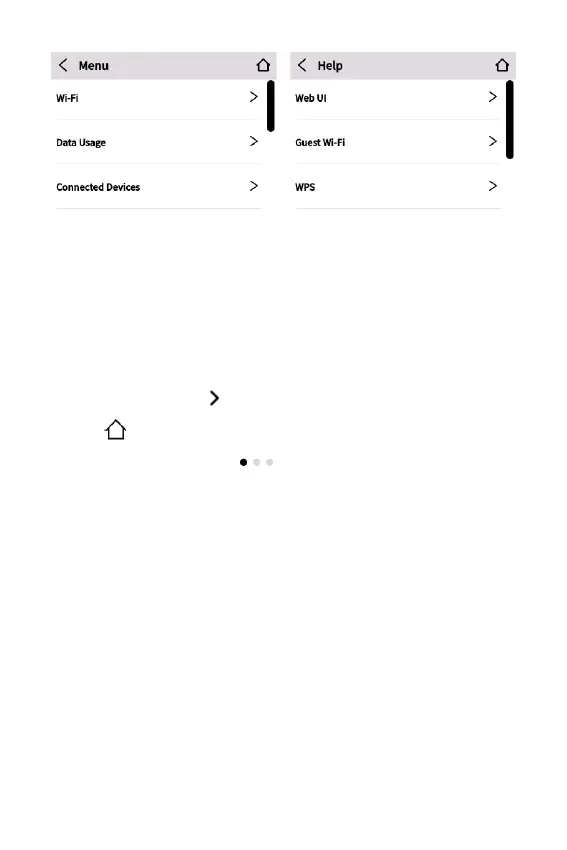
Menu provides access to all Menu options.
Help provides access to Info screens and tutorials.
Swipe up/down to scroll through options.
Navigation tips
• Tap on the arrows to navigate through topics.
• Use
to return to the Home Screen.
• A multiple screen icon
indicates there are multiple
screens on that topic. Swipe left and right through the
screens.
• If there is a scroll bar visible on the right, swipe up or down to
scroll.



 To Next Page