8
This section provides information on charging, battery tips and
replacement, replacing and unlocking the SIM card, restoring your
Hotspot to factory default settings, and general care.
Turning the Hotspot ON/OFF
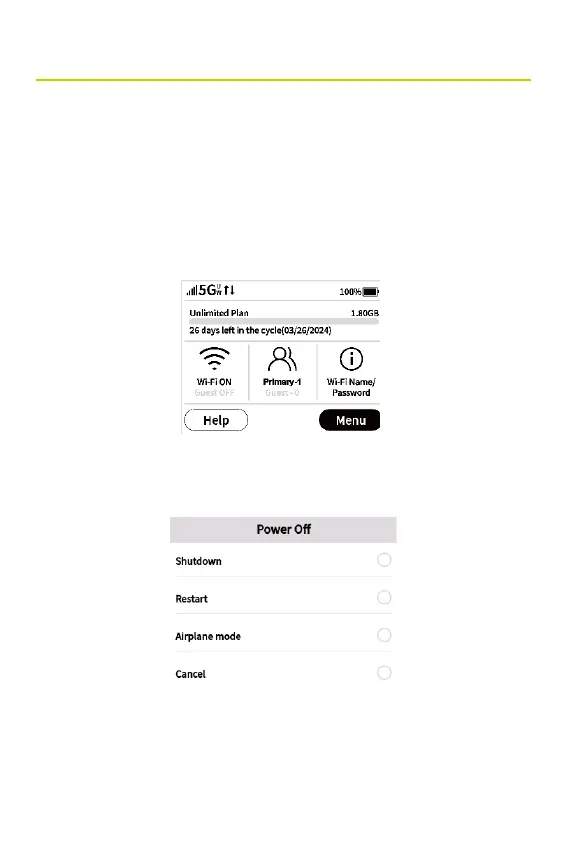
• To turn your Hotspot on, press and hold the Power button
for three seconds. The Home screen appears.
• To turn your Hotspot off, press and hold the Power button
for three seconds until you see the Power Off screen.
• Then select Shutdown.
• To wake up the display, press and release the Power button.
Power Management



 To Next Page