●Ensure a storage card is inserted into the camcorder before
recording.
●You may press the button for candid photos during
recording.
●Don’t enter the setting menu when a video is recorded.
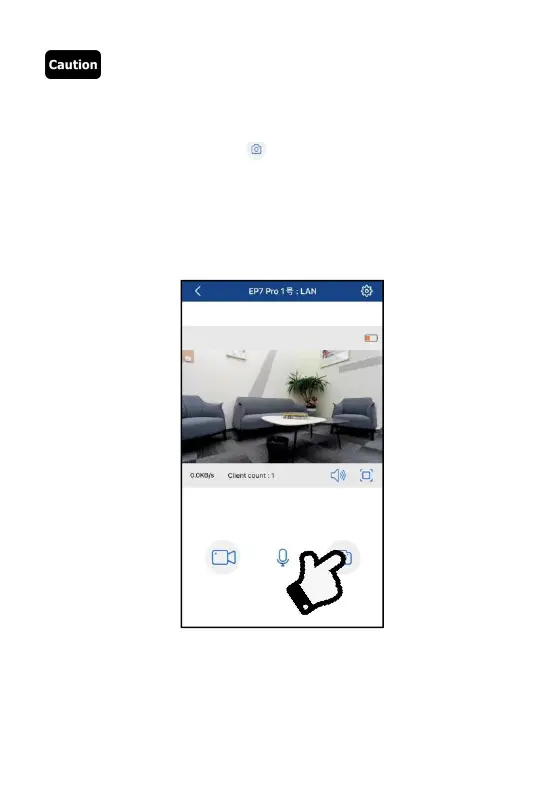
◆Taking photos with App
❶
Add the camcorder into the App as per the steps in
「
Add device
」
and enter the preview image.
❷
Set up required function options in the setting menu.



 To Next Page