13
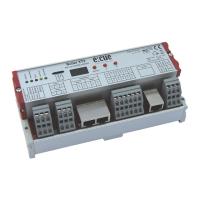
Setup Manual - Butler XT2
Command Parameter Action
PC nnn Play Cuelist nnn
TP nnn Toggle Play Cuelist nnn
PP nnn Toggle Pause for Cuelist nnn
NX mmm Next for Mutexgroup mmm
PV mmm Previous for Mutex Group mmm
IN nnn ppp Set Intensity to ppp% for nnn
0 :Grand Master
1-99: Cuelist Master
129 – 193: V-Master 1 to 64
ST nnn Stop Cuelist nnn
0 : Stop All
TL sss Trigger Label for Label Index sss, e.g. TL001
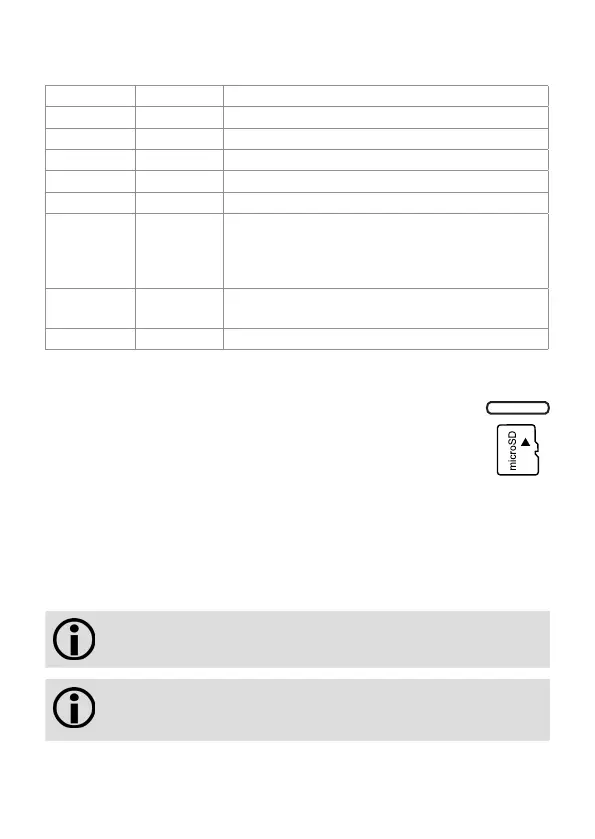
Micro SD card
The Butler XT2 comes with a micro SD card and cannot operate if no micro SD
card is present. A typical show file incl. configuration files is not bigger
than a few Megabytes, the Butler XT2 is designed to work with such
typical show files. It is possible to create show files that exceed the
performance capabilities auf the Butler XT2. Some hints:
- The larger the show, the longer the seek times to the cuelist start points
- The more state-aware Action Pad items (mainly faders or buttons reflecting cuelist
play state), the higher the permanent load to the Butler XT2
If the micro SD card has been removed during operation and is restored, the show
may be continued by pressing the system button on the device – otherwise you
need to reboot.
Do not remove the SD card while the Butler XT2 is in operation!
The Butler XT2 supports SD cards of the following types: SD &
SDHC. Please be aware that SDXC cards are not supported.


 To Next Page