24
Setup Manual - Butler XT2
Firmware update
To update the firmware
of the Butler XT2
proceed the following
way:
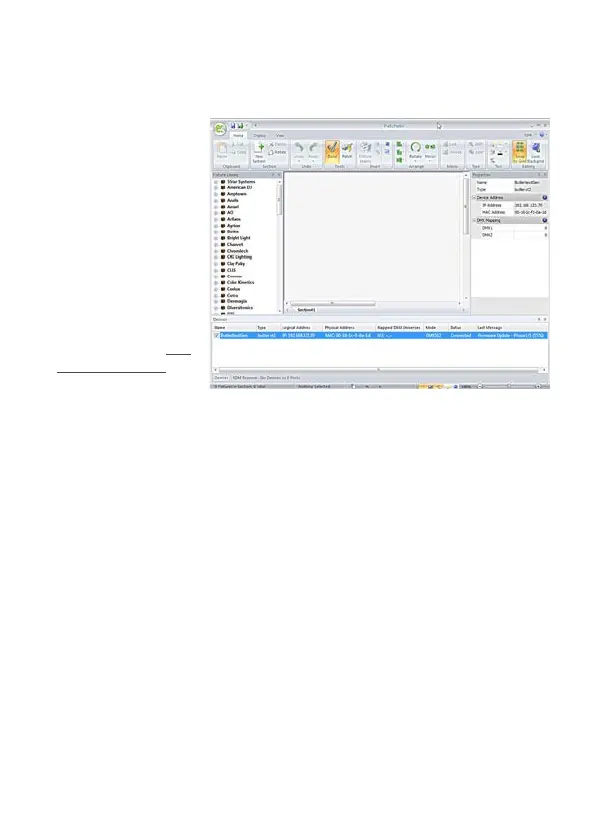
y Start the Patchelor of
the e:cue Lighting Ap-
plication Suite
y In the list of found
devices select the ap-
propriate Butler XT2.
y Press the right mouse
button and select Up-
date Firmware.
y Select the file with the
new firmware (*.bxt)
y After the download is complete the Butler XT2 will restart.
y The new firmware is available now.
Action Pad and Mobile Action Pad
The Butler XT2 can be controlled from a remote instance like a PC, an iOS device
like iPhone or iPad, or via Android devices. See the »System Manual« for the Light-
ing Application Suite 6.0 for a detailed description.


 To Next Page