Standalone control via web browser
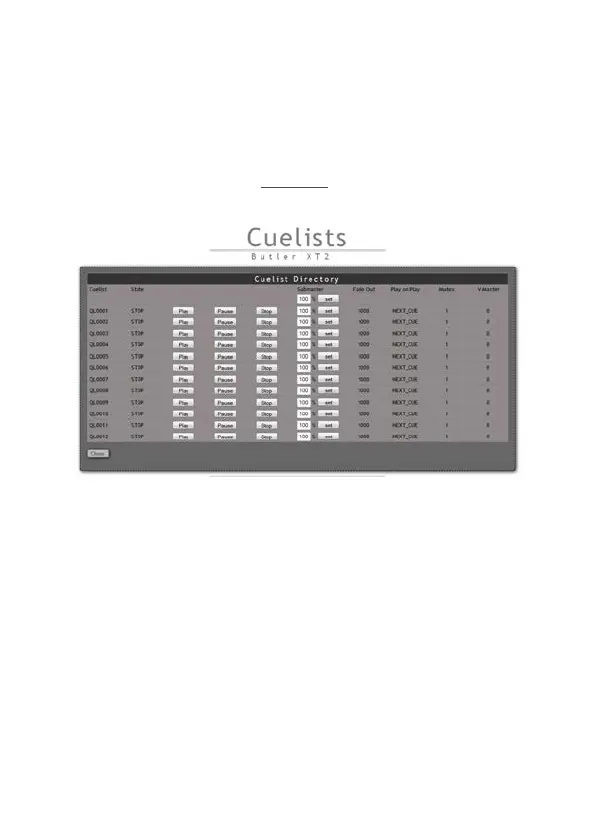
In standalone mode it is possible the Butler XT2 via a web browser. Connect a
PC-based system to the e:net interface like shown in the chapter » Using the stan-
dalone web interface«. Start the browser and enter the IP address of the Butler XT2
as URL. From the start screen click Congure under the cuelist settings and you
will get a basic control screen.
You cannot only control a single Butler XT2 but also clusters of Butler XT2 and
Butler S2s.
Adjusting the internal Real Time Clock
In the Advanved Settings during setup you can adjust the speed of the real time
clock, if this is not precise enough. You can add a time shift as parameter RTC trim,
which adds or subtracts ±48, ±97 or ±145 seconds in a 28 days cycle. If this is not
suffient you can fine trim the real time clock with the second parameter RTC trim
fine in a range 0 to 31. The setting of this parameter controls component variances
of the real time clock. You have to try which value fits best.


 To Next Page