68
OTICON AGIL FITTING GUIDE
69
ConnectLine
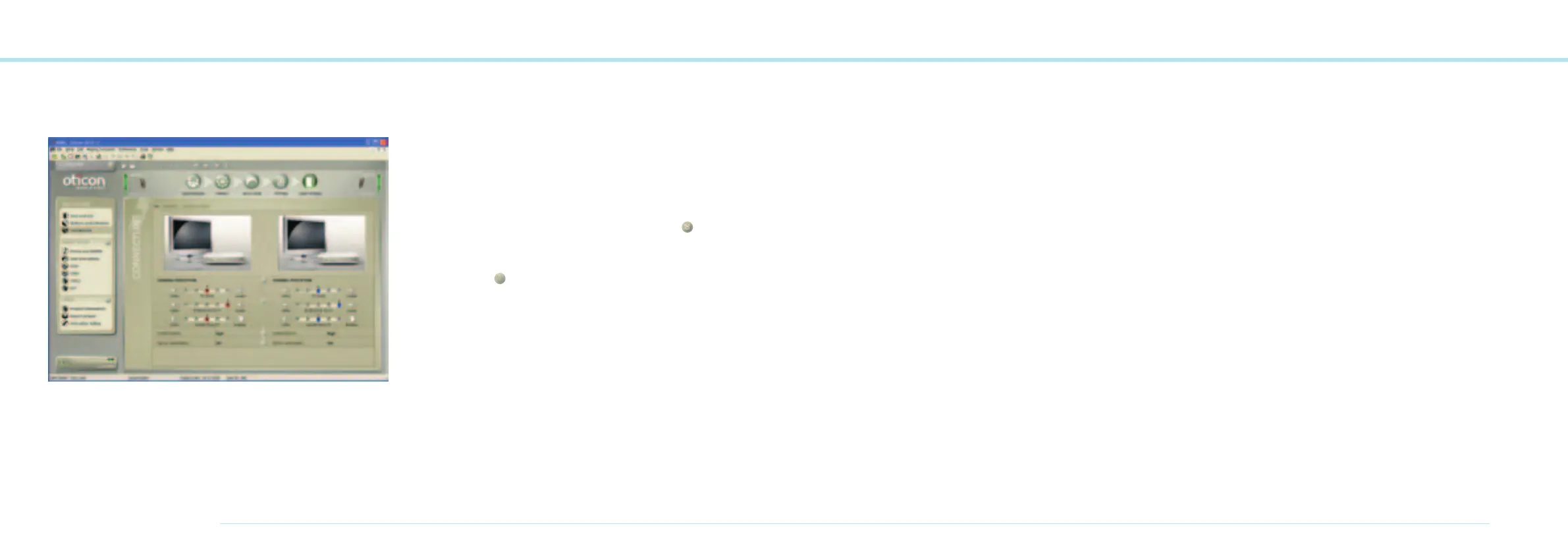
The ConnectLine tool gives access to the three dedicated
programs used for streaming applications. The applications are
organized under 3 tabs; TV, Phones and Music/Audio where
you can adjust several controls in order to fine tune the sound
experience according to client preferences. For each applica-
tion, you can also set the preferred level and the relationship
between Streamer and microphone signals.
The adjustable controls are organized in 3 windows
• General Perception
• Power Bass
• Music Widening
One window can be opened at the time by using the
button.
The controls are adjustable for the left and right instrument
separately. If the
button is activated, your adjustments
in the specific window will automatically be applied to both
instruments.
Some of the features are not available for all applications.
In this case, the controls will be disabled (greyed out).
In the ConnectLine tool the following features can be adjusted
for each streaming application.
General Perception
Here, the general level of the streamed application is set and
also the hearing instrument microphone (M) level relative to
the application.
The ‘sound quality’ trimmer is used to correct the emphasis
of the audio response by adjusting the tonal balance.
The response can be made brighter (more HF) or fuller
(more LF) according to client preferences.
Power Bass
Provides the client enhanced bass dynamics and gives much
better LF response with open fittings. The Power Bass is
adjusted in 3 steps (High, Medium, Low) or can be set to ‘off’.
Music Widening
Creates a more spacious sound experience. The feature
requires two instruments and is based on reverberation
techniques. Like Power Bass it is adjusted in 3 steps
(High, Medium, Low) or can be set to ‘off’.



 To Next Page