70
OTICON AGIL FITTING GUIDE
71
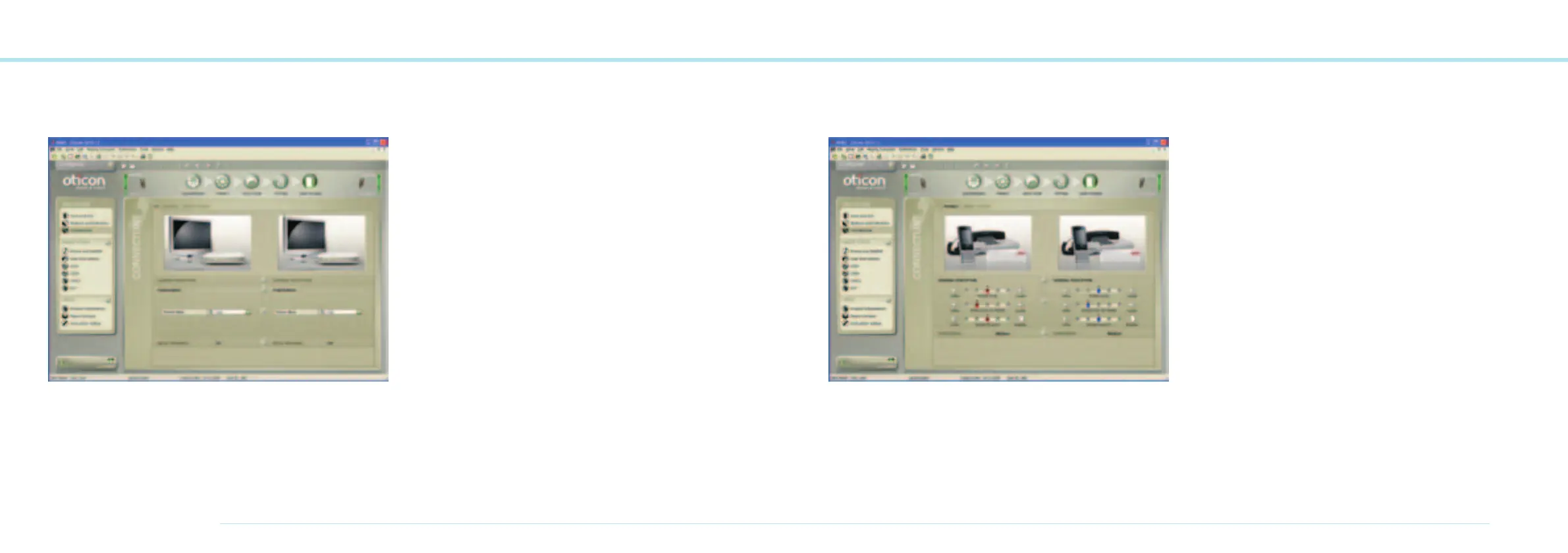
TV Program Tab
.
The TV Program Tab enables fine tuning of the ConnectLine
TV application.
General Perception
M rel. to TV:
Normally, the levels for the hearing instrument microphone
and the TV should be equal (0 dB) in order to easily hear
conversations when watching TV.
Power Bass
For improved TV experience the deep bass feature is normally
set to ‘High’.
Music Widening
For TV listening the Music Widening feature is default set
to off in order to optimize speech understanding, e.g.
from news broadcasts.
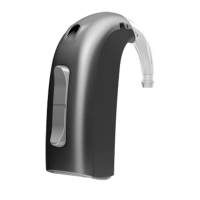
Phones Program Tab
The Phones Program Tab enables fine tuning of the
ConnectLine phone or/and mobile phone applications.
The adjustments are applied to the instrument phone program
used for streaming and will be used for all ConnectLine phone
and mobile phones connected to the client’s Streamer.
General Perception
M rel. to Phone:
Normally, the level for the hearing instrument microphone
should be lower (softer) than the phone in order to focus on
the phone conversation.
Power Bass
For the phone application the deep bass feature is normally
set to ‘Medium’.
Music Widening cannot be activated since it may reduce
speech understanding.



 To Next Page