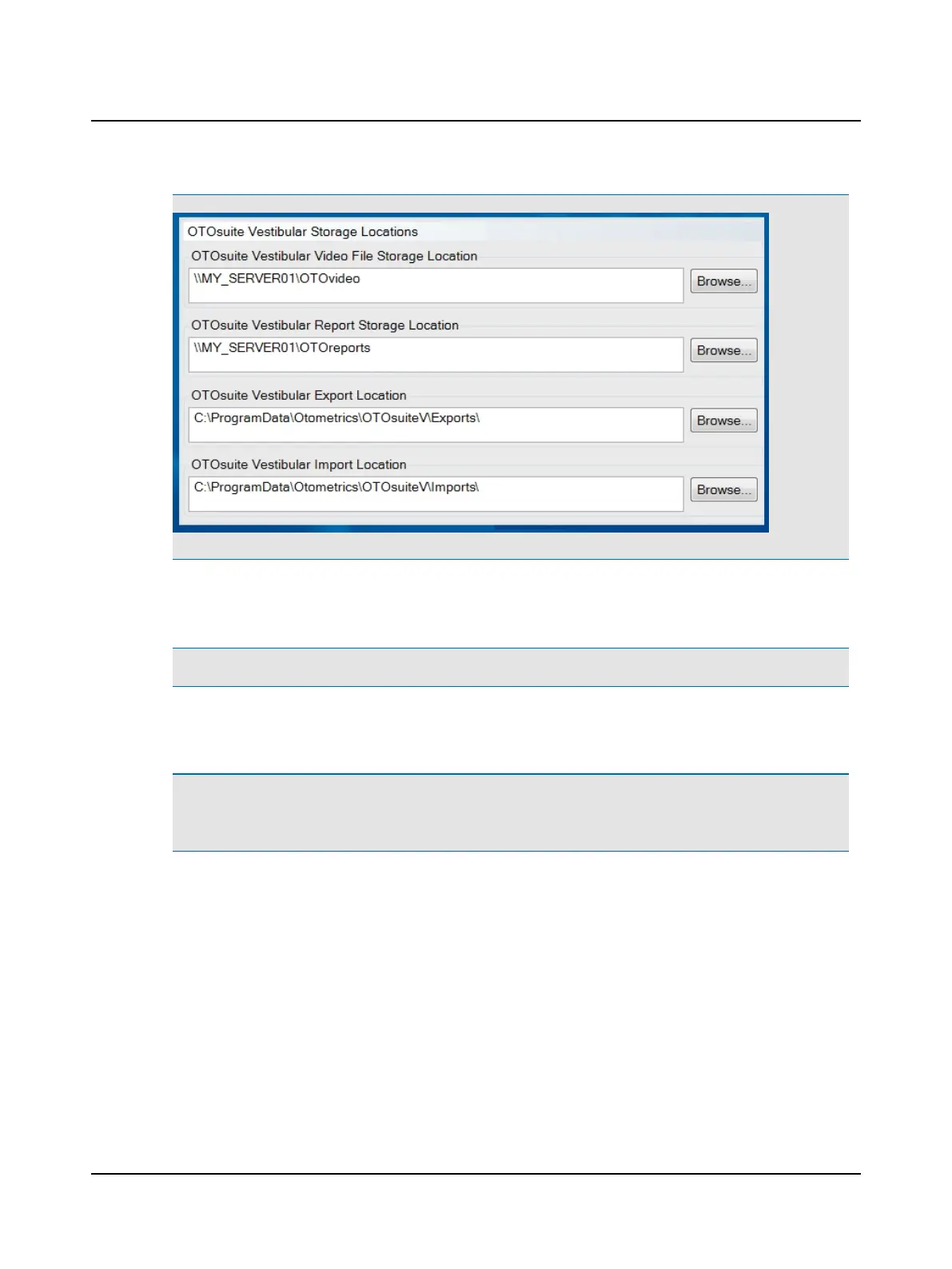
1. Click System Settings and click Administrator.
2. Click Browse... to browse to the desired folder.
Note• If selecting a folder on the network, ensure that the folder you select is configured for sharing.
3. Select the folder and click OK.
The new location for the folder displays in the OTOsuiteVestibular Storage Locations window.
Note• For each location that has been changed, new files will be stored at the new location. For example, if the loc-
ation has been changed for video files, new video recordings will be stored at the new location.
For each new location, existing files should be moved from the previous location to the new location.
Otometrics - ICS Impulse USB
119
14 Installation and Setup












 To Next Page