4 System startup
1. Switch on the computer.
2. Double-click the OTOsuiteVestibular icon.
Note• To extend the life of the components in the goggles, it is best to close the software when not in use. If the soft-
ware is left open, the fan will continue to run and cool the goggles.
Loggingin
Note• An Administrator user name and password are provided with a new installation of OTOsuiteVestibular. DO
NOT delete the user name or password from the login screen until at least one new user name with password has been
added. Ensure that at least one user has administrator privileges. For information on how to add new users, refer
toSet up a new user ► 109.
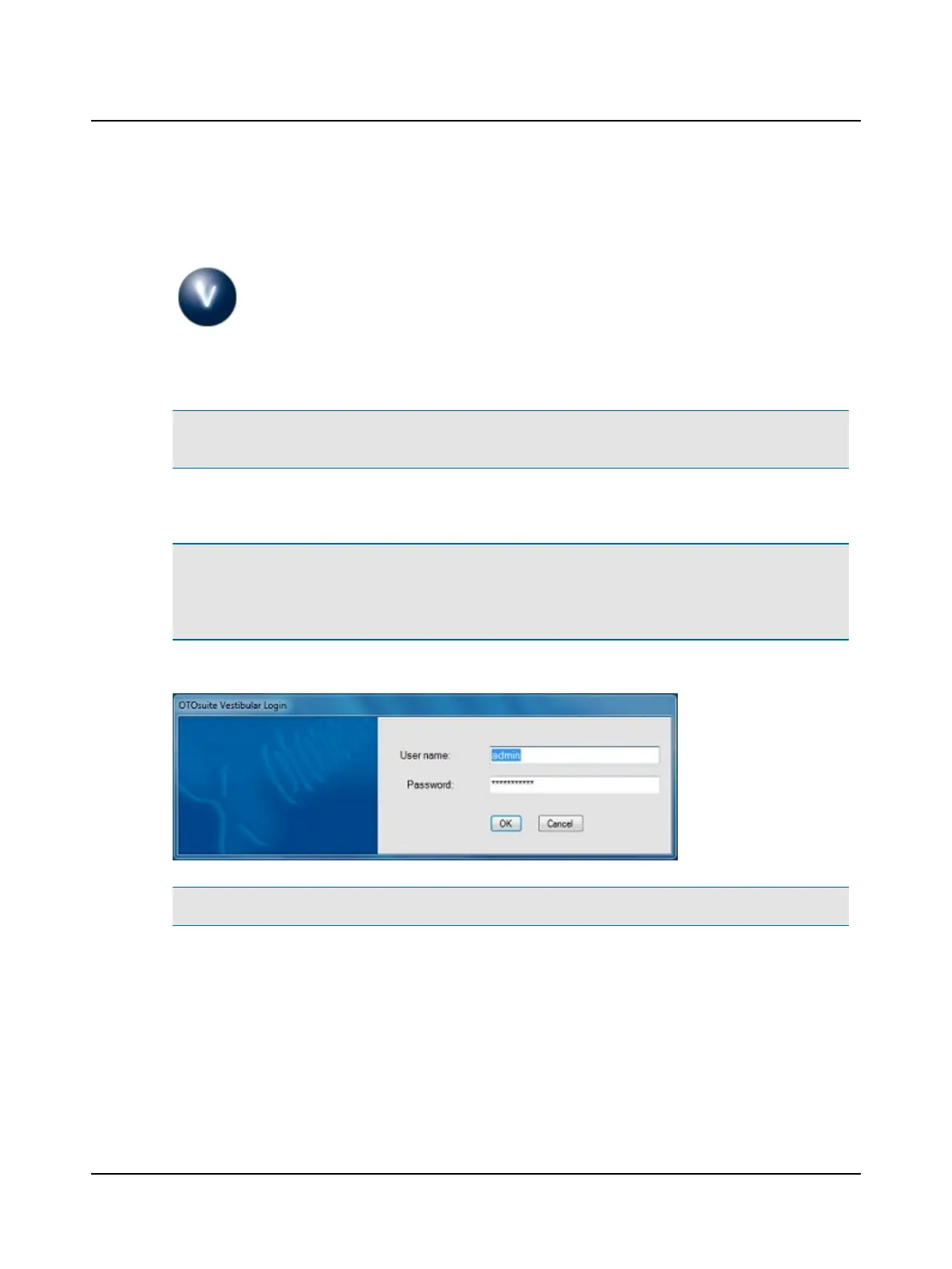
At the login screen
Note• The password is case sensitive.
1. Enter your user name.
2. Enter your password and click OK.
Otometrics - ICS Impulse USB
5
User Guide












 To Next Page