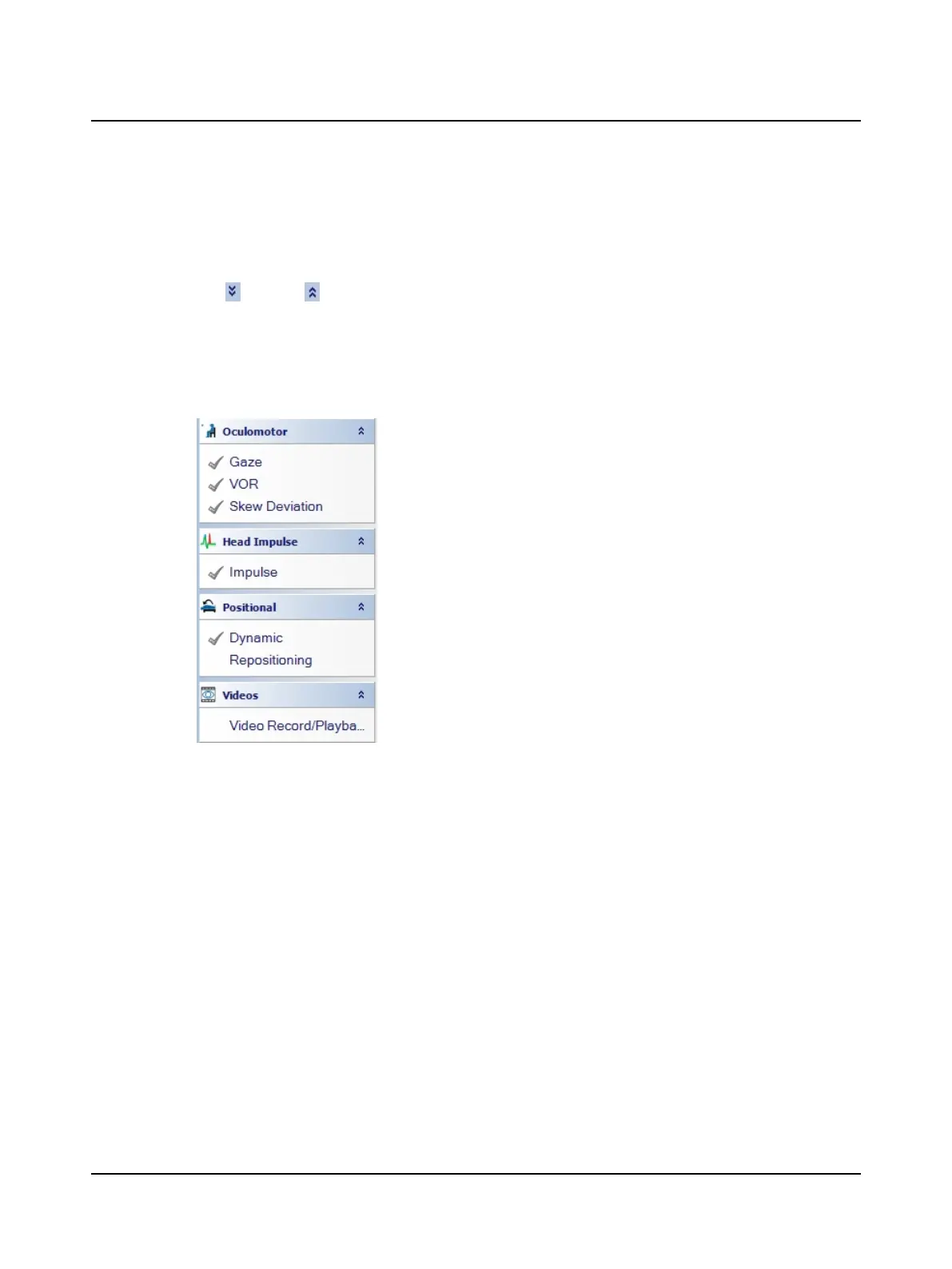
Navigation Panel and Startup Module
The license in the goggles determines which test group menus (for example, Oculomotor, Head Impulse, etc.) are open
the first time the OTOsuiteVestibular is started. The default startup module, Video Record/Playback, is open and ready
to use.
• Click to open or to close a test group menu. When the software is restarted, the test groups remain as set in the
previous session.
• To change which test type is set as the startup module, from the Options menu, click Test Options. This opens the
General window in which you can select a test type from the StartupModule list.
• To perform a test if the module is not currently open, click on the test type name. The data collection window and all
associated tabs open.
Additional information about the OTOsuiteVestibular screen, report findings and working with patients lists is available in
the Reference Manual. To access the Reference Manual, click Reference Manual (the button is located in the lower left
corner of the screen).
Presentation remote
The presentation remote provides an alternative method for some test functions:
• To start a test
Press the
left
button
• To stop a test
Press the
right
button
• To mark the trace for the Skew
Deviation test
Press the left button to indicate the eye is covered
Press the left button to indicate the eye is not covered
• When using Head Position
Feedback
Press the
left
button instead of clicking
Center
For more information about the presentation remote, refer to Adding a presentation remote ► 112.
6 Otometrics - ICS Impulse USB
User Guide












 To Next Page